Best Bolt.new Alternatives in 2026, Sorted by Why You're Switching
November 12, 2026 · 14 min read
Leaving Bolt.new over token costs, debugging loops, backend setup or mobile? We match nine alternatives, from Lovable and Cursor to FlutterFlow, to the reason you're switching, with current prices and code access.
Bolt.new is fast. It is not always the right fit.
Bolt.new is StackBlitz's AI app builder. You type a prompt, and it writes and runs a full-stack web app inside your browser using WebContainers, with no server or local setup. For developers and technical founders, speed plus real code is why they picked it.
People usually leave for a specific reason: a token bill that grew faster than the project, a fix-and-break loop, backend and deployment work, a teammate who doesn't code, or a mobile app that has to ship to the App Store. Each points to a different kind of tool.
So this guide sorts alternatives by the problem they solve: AI app builders that generate code (Lovable, Replit, v0), AI code editors that keep the code on your machine (Cursor, Windsurf), and visual builders (Bubble, FlutterFlow, Softr). Prices come from our listings and, where noted, vendors' pricing pages as of November 2026.
We put our own builder, Gappsy, first, but only for one reader: the non-developer who wants to launch and charge for something. Gappsy is our own product, so weigh this pick accordingly — we've listed its limits too. If you're a developer who chose Bolt.new for code control, skip to Cursor, Replit or Lovable.
Why people look for a Bolt.new alternative
As of November 2026, Bolt.new's pricing page lists a Free plan with a daily limit of 300,000 tokens and up to 1 million tokens a month, Pro at $25 a month billed monthly starting at 10 million tokens a month, and Teams at $30 per member a month. Unused paid tokens roll over for up to two months. Common reasons people outgrow it:
Token costs climb with project size. Bolt.new says it spends tokens when it reads your prompts and project files, makes a plan, or writes code. As a project grows there are more files to read, so the same small request can cost more than it did on day one. Our listing notes token pricing is hard to predict for larger projects.
Debugging loops. When the AI misreads a bug, each fix attempt is another round of tokens. Developers who hit this usually want to fix the code by hand with full project context, which is what AI code editors offer.
Deployment and backend. Bolt.new connects to Supabase for the database and auth, and deploys through Netlify or Cloudflare. You are still assembling services, and our listing flags in-browser performance limits on very large projects.
Non-coders on the team. Bolt.new's output is a codebase. If the person maintaining the app can't read it, every change goes back through prompts.
Mobile apps. Bolt.new builds web apps. App Store and Google Play apps need a mobile-focused tool.
Quick map by reason: token costs or debugging loops → Cursor or Windsurf; backend and deployment in one place → Replit; a similar prompt-to-app flow with a visual editor → Lovable; React front ends on Vercel → v0; non-coders who want to sell a product → Gappsy or Bubble; native mobile with exportable code → FlutterFlow; internal tools on existing data → Softr.
1. Gappsy – Best for non-developers who want to launch and sell
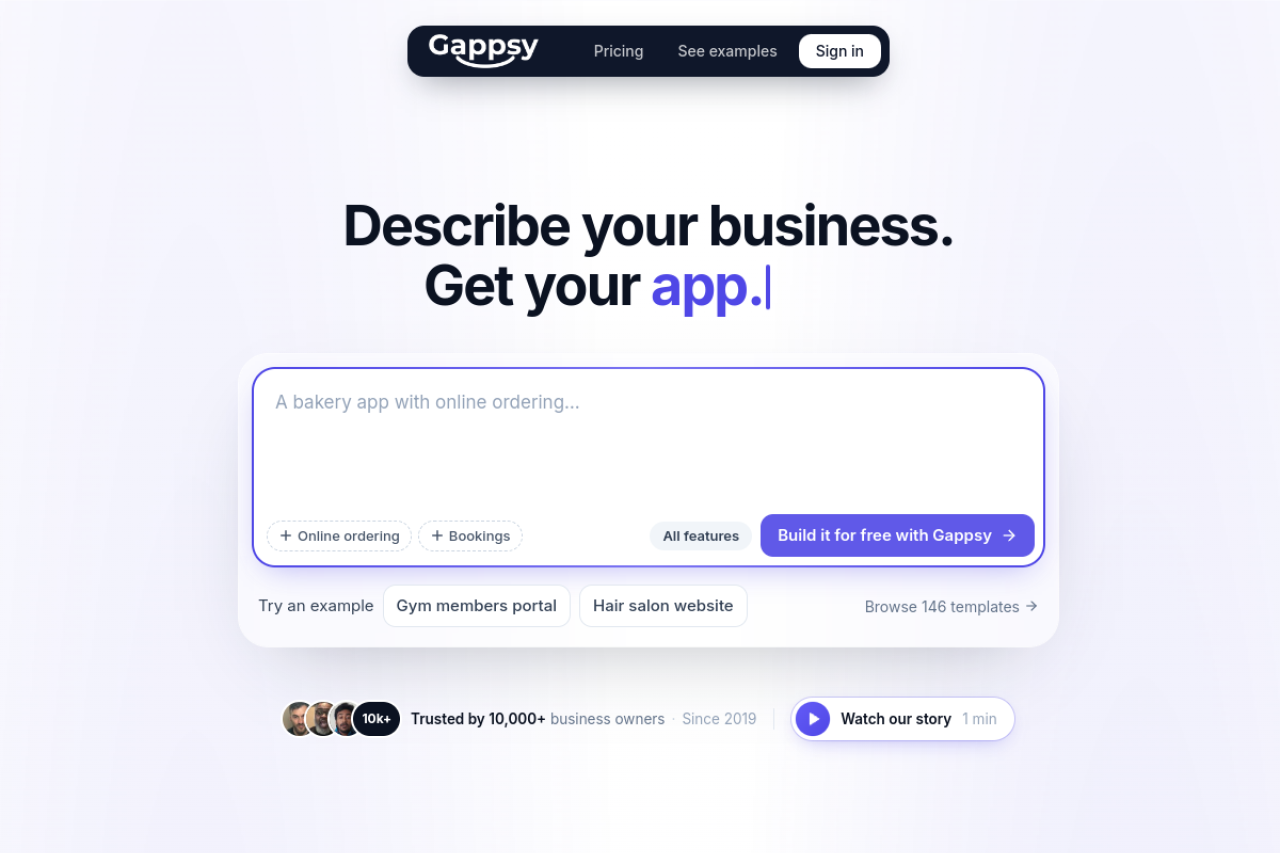
Gappsy is our own product, so weigh this pick accordingly — we've listed its limits too. Gappsy is an AI app builder: you describe your business or idea in a sentence or two, and it builds a live app, a website and the tools you asked for. You change things by typing an instruction such as "add online booking" or by tapping on the app to edit text, photos and prices.
The biggest difference from Bolt.new: Gappsy doesn't generate code. It assembles apps from 56 built-in feature blocks, so there is no codebase to export or extend, a real drawback for Bolt.new's core audience. In return you get a working business product without wiring anything together: payments into your own Stripe account (one-time and subscriptions), bookings, memberships, gift cards, an Apple and Google Wallet loyalty card and push notifications. Hosting, database and customer accounts are included, covering what Bolt.new users usually connect through Supabase and Netlify.
Pricing is a plan allowance, not tokens. Free is $0 for one app on yourname.gappsy.co with 300 visitors and 10 typed AI changes a month, a 5% payment fee and a "Made with Gappsy" label. Pro is $19 a month billed yearly or $29 monthly: own domain, 1% fee, 3,000 visitors, 50 AI changes a month, and App Store and Google Play publishing you do yourself (a packaged web app, with your own developer accounts). Business is $55 a month billed yearly or $79 monthly: 5 apps, 150,000 visitors a month, 0% fee. Tap-editing is unlimited on every plan; Stripe's fees apply on top.
Two things are specific to Gappsy: ready-made software, such as a CRM, that you can rebrand and charge others for as your own SaaS, and a builder that sits on Gappsy's software directory (7,000+ profiles, 75 categories, thousands of comparisons), where you can list what you build in front of software buyers. It is also newer than the other tools here. See our Bolt.new vs Gappsy comparison or start building on the Free plan.
Pros
• Payments, bookings and memberships built in, paid to your own Stripe account
• Plan-based allowance instead of tokens; tap-editing is unlimited
• You can list what you build on Gappsy's software directory
Cons
• No code export or code-level control, a real drawback for most Bolt.new users
• Block-based, so less room for custom logic than Bubble or code-first tools
• Newer product than the other tools on this list
• Free plan limits are tight (300 visitors, 10 AI changes, 5% fee)
Best for: Founders, freelancers and small businesses who don't code and want a live product that takes payments, such as a booking app, a members portal or a rebranded SaaS tool.

Describe your business and get a live app with payments, bookings and memberships.
2. Lovable – Best for a similar prompt-to-app flow with a visual editor
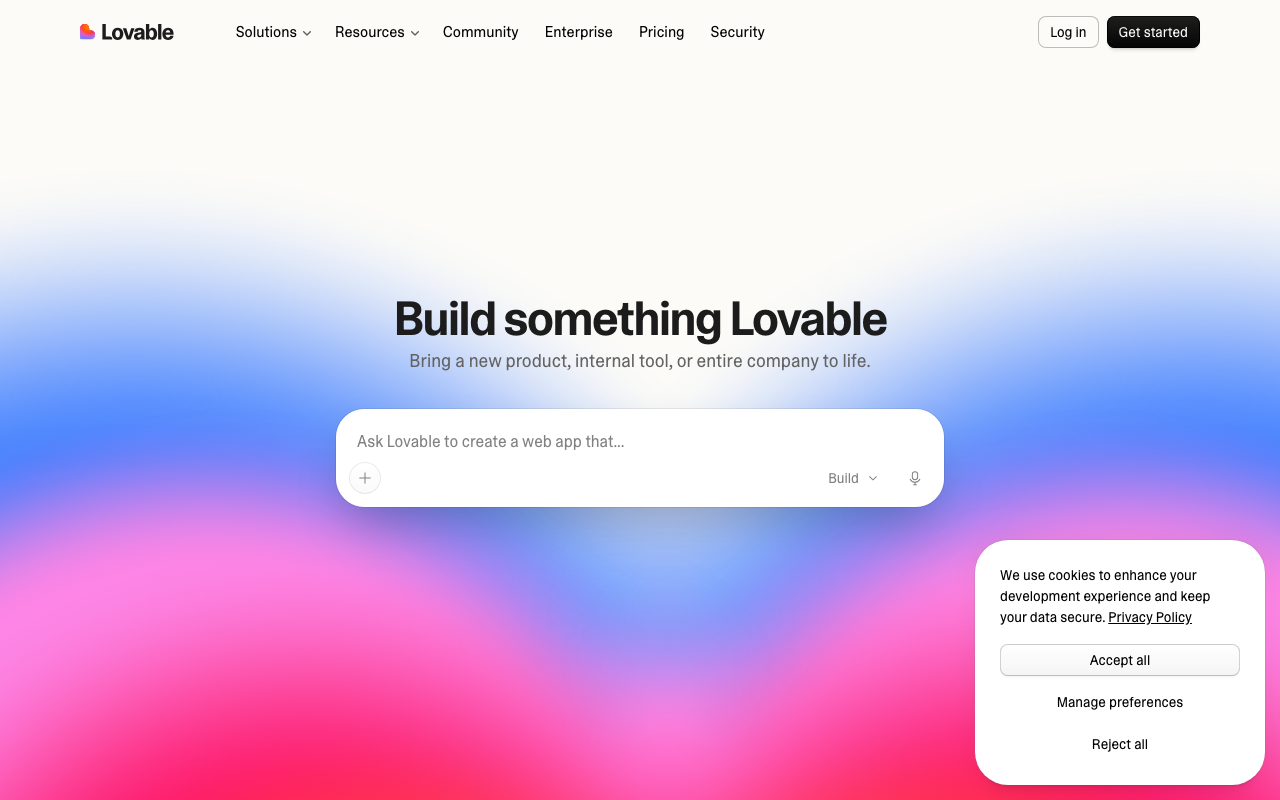
Lovable is the closest like-for-like swap. It also turns natural-language prompts into a real, editable full-stack codebase, has a native Supabase integration for auth, database and storage, and deploys with a custom domain from inside the product. The difference: Lovable adds visual editing and runs in its own cloud, not a browser container.
Billing is credits, not tokens. As of November 2026, Lovable has a Free plan, Pro from $25 a month ($21 billed annually) and Business from $50 a month ($42 annually). Lovable's documentation, as of November 2026, says Free workspaces get 5 daily build credits capped at 30 a month, and one credit balance covers building, chat, hosting, the built-in backend (Lovable Cloud) and AI features. If you left Bolt.new over unpredictable costs, note that a live app also draws on credits.
Every plan includes unlimited team members. See our Lovable vs Bolt.new and Gappsy vs Lovable comparisons.
Pros
• Generates real, editable full-stack code
• Supabase-native backend out of the box
• Unlimited team members on every plan
Cons
• Credit-based pricing is still hard to predict
• Hosting and in-app AI usage draw on the same credits
• Generated code needs review for complex or security-sensitive apps
Best for: Bolt.new users who like prompt-to-code generation but want visual editing and backend hosting in one product.
AI-powered app builder that generates full-stack web applications from natural language prompts, formerly known as GPT Engineer.
3. Replit – Best for full-stack apps with hosting and database in one place
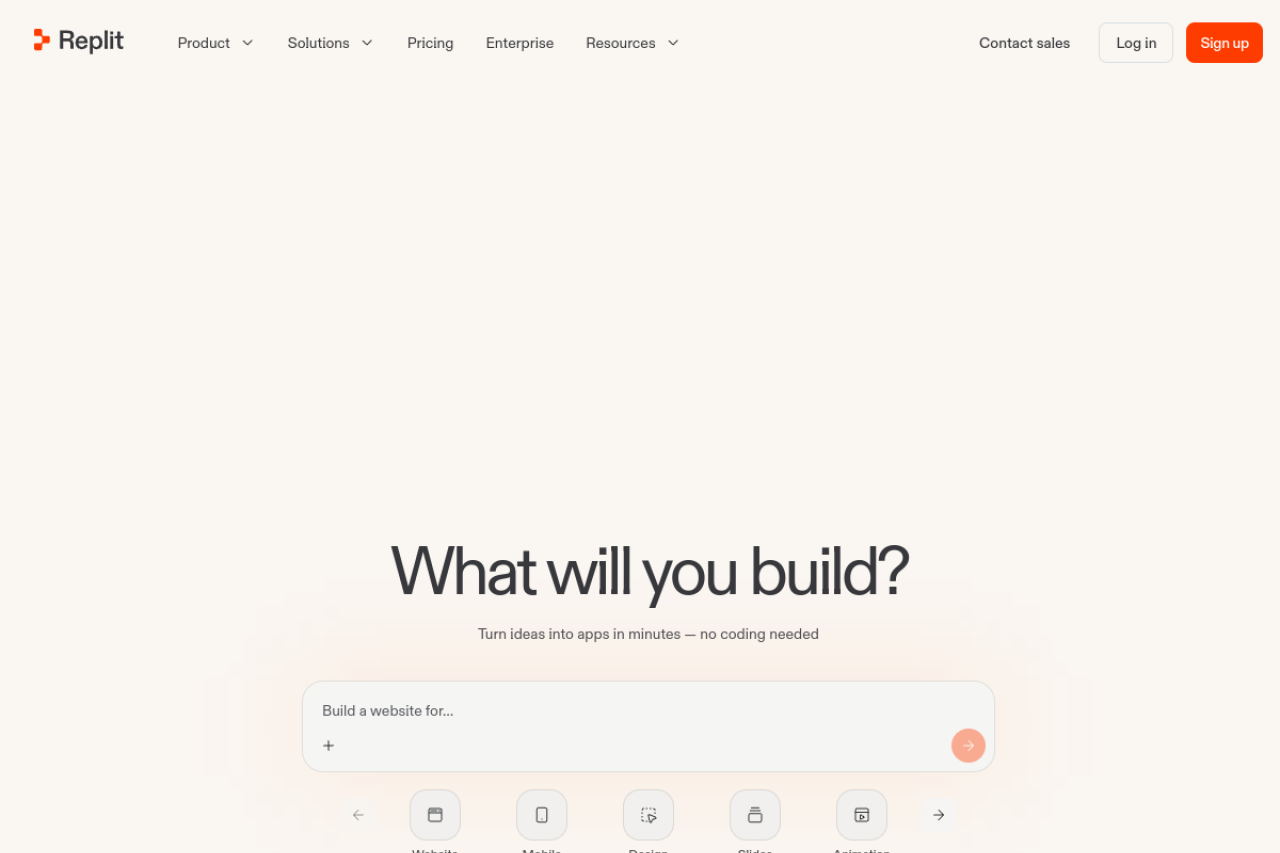
Replit pairs an AI agent with a full cloud IDE. Replit Agent plans, writes, tests and deploys apps from plain-language prompts, including provisioning the database and backend. Where Bolt.new hands deployment to Netlify or Cloudflare, Replit keeps editor, database, hosting and deployment on one platform, and supports dozens of languages.
As of November 2026, Replit's pricing page lists Core at $20 a month ($18 billed annually) with $20 of usage credit for higher-tier models, and Pro at $100 a month ($90 annually) with $100 of usage, up to 15 collaborators and database rollback for up to 28 days. Enterprise is custom. As with Bolt.new, usage can push the bill above the plan price.
Rollback is a practical answer to bad AI changes. See Lovable vs Replit, Cursor vs Replit and Gappsy vs Replit.
Pros
• Agent builds and deploys full apps, including the database
• Editor, hosting and database in one platform
• Supports many languages beyond JavaScript
Cons
• Usage credits can make costs exceed the plan price
• AI-made code and database changes need review before production
• Plans and pricing have been restructured often
Best for: Developers who want backend, hosting and deployment handled in one place.
Replit is a browser-based coding and AI app-building platform that lets developers write, run, deploy, and collaborate on software from…
4. v0 – Best for React and Next.js front ends on Vercel
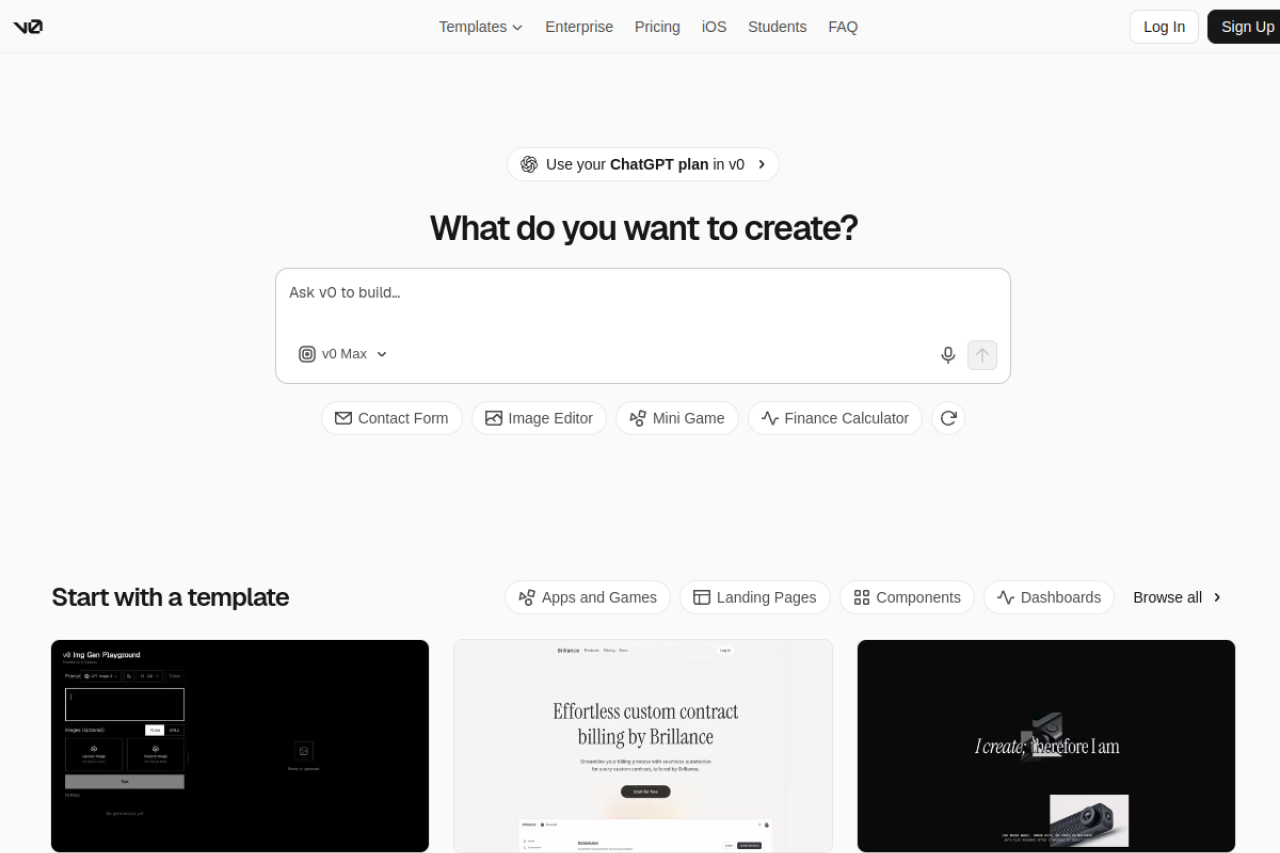
v0 is Vercel's AI tool for generating React and Next.js interfaces and full-stack app code. Output follows shadcn/ui and Tailwind CSS conventions, and it has Git sync, an in-browser code editor, Design Mode, Supabase support and one-click Vercel deployment.
As of November 2026, v0's pricing page lists Free at $0 with a 7-message daily limit, Plus at $30 per user a month with $30 of included monthly credits, and Business at $100 per user a month. New users get $5 in one-time credits.
v0 is at its best inside the Vercel and Next.js ecosystem; Bolt.new is more framework-neutral. Compare them in Bolt.new vs v0.
Pros
• Clean React code styled with shadcn/ui and Tailwind
• Tight integration with Vercel deployment
• Git sync and an in-browser code editor
Cons
• Best fit is tied to Vercel, Next.js and shadcn/ui
• Metered usage can be unpredictable
• Free plan's daily message limit is restrictive
Best for: Front-end developers and Next.js teams on Vercel.
v0 is Vercel's AI-powered tool that generates working React and Next.js user interfaces and full-stack app code from natural-language…
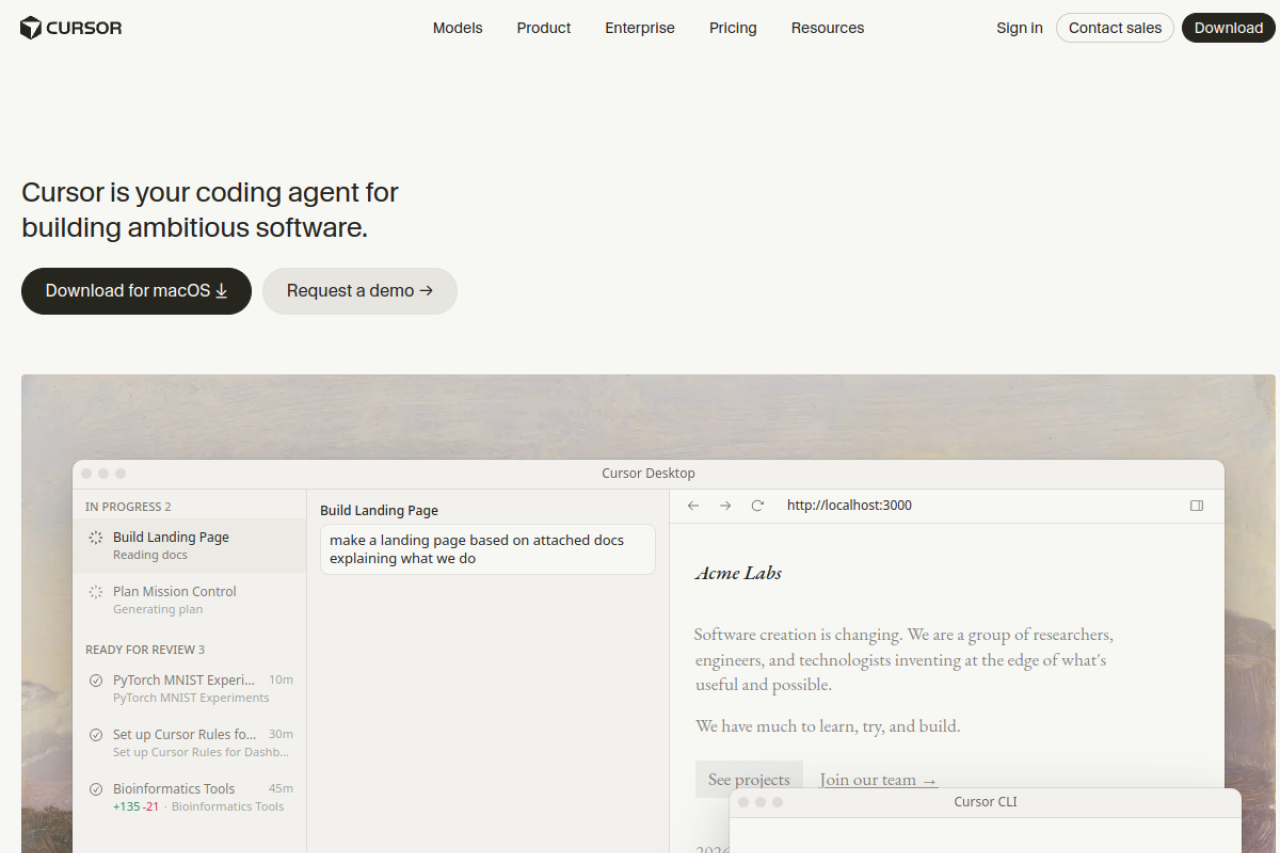
5. Cursor – Best for developers who want the code on their own machine
Cursor is a different kind of tool: an AI-native code editor built as a fork of VS Code. Its agent makes changes across many files in a codebase on your own computer, and you keep your extensions, Git workflow and hosting. A Bolt.new project exported to GitHub can be opened in Cursor and continued.
It's the most direct fix for debugging loops: you can read the code and correct what the AI got wrong yourself. The flip side is that Cursor doesn't host or deploy anything.
As of November 2026, Cursor's pricing page lists Free, Plus at $8 a month (Grok models only), Premium at $30 (latest models, cloud agents, third-party models at API list price), and Super and Ultra at $100 and $200. Teams starts at $30 per user a month. The plans now also include Grok and X features, and our listing notes an ongoing acquisition by SpaceX. See Cursor vs Bolt.new.
Pros
• Codebase-aware agent for multi-file edits
• Full control of code, Git and hosting
• VS Code compatibility for extensions and shortcuts
Cons
• No hosting, database or deployment included
• Heavy agent use can consume usage quickly
• Ownership change adds roadmap uncertainty
Best for: Developers and technical founders who left Bolt.new over token costs or debugging loops and are comfortable running their own stack.
Cursor is an AI-native code editor built by Anysphere that uses agentic AI to write, edit, and review code across a codebase from…
6. Windsurf – Best for agent-driven coding inside your existing IDE
Windsurf, formerly Codeium, is an AI coding editor built around the Cascade agent, which plans multi-file edits and runs terminal commands as part of a task. It runs as a standalone editor or as plugins for VS Code and JetBrains. It became part of Cognition in 2025, and paid plans include Devin cloud agents.
As of November 2026, Windsurf's pricing page lists Free at $0, Pro at $20 a month, Max at $200 a month, and Teams at $80 a month plus $40 per full developer seat. Like Cursor, hosting and deployment are on you.
Our listing notes the product's direction and branding have been in flux since the acquisition. See Windsurf vs Bolt.new and Lovable vs Windsurf.
Pros
• Cascade agent handles multi-file edits and terminal commands
• Works as a standalone editor or inside VS Code and JetBrains
• Free tier for individual developers
Cons
• No built-in hosting or database
• Product direction in flux after the Cognition acquisition
• Per-seat team pricing adds up
Best for: Developers who want an AI agent on a local codebase without leaving VS Code or JetBrains.
AI-powered coding editor built around the Cascade agent for multi-file code generation and debugging, formerly known as Codeium, now…
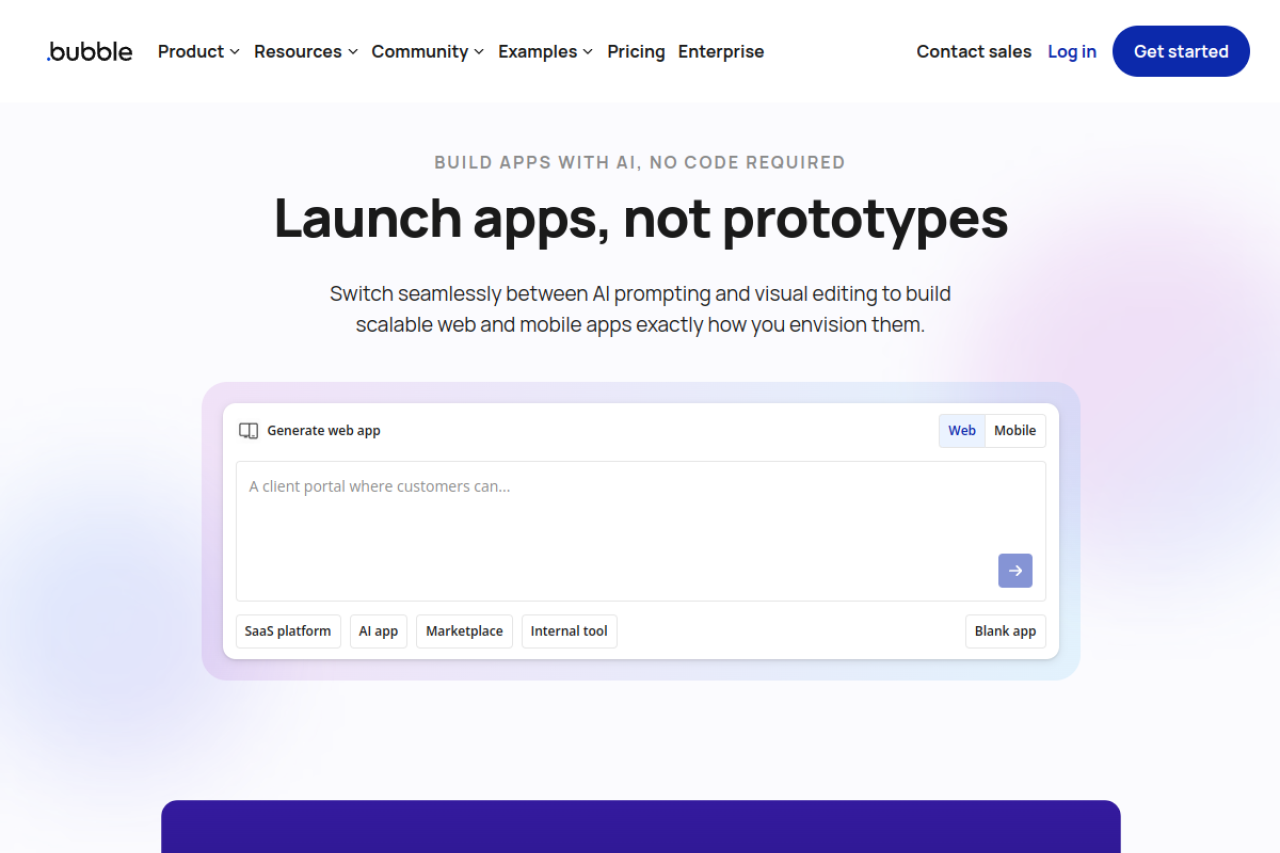
7. Bubble – Best for complex web apps without managing code
Bubble is a visual, full-stack no-code platform: a drag-and-drop editor for the interface, a built-in database, and a visual workflow engine for backend logic and API calls. Unlike Bolt.new, you never maintain code, yet you can still build multi-step logic and data models.
As of November 2026, Bubble's web plans are Free, Starter at $32 a month billed yearly ($39 monthly), Growth at $119 and Team at $349 billed yearly, with higher prices for mobile and web-plus-mobile plans. On top of the plan, Bubble meters server usage in Workload Units, which can be hard to predict for busy apps. Apps run on Bubble's proprietary runtime, so leaving later means a rebuild.
See Bubble vs Gappsy and Bubble vs Softr.
Pros
• Full-stack: database, logic and UI in one visual tool
• Large plugin ecosystem
• Can be extended with custom code and APIs
Cons
• Workload Unit pricing can be hard to predict
• Steeper learning curve
• No code export; apps are tied to Bubble's runtime
Best for: Non-developers building a complex web app, such as a marketplace or SaaS, who need custom logic without writing code.
Bubble is a no-code platform for building full-stack web and mobile applications visually, without writing traditional code.
8. FlutterFlow – Best for native mobile apps with exportable code
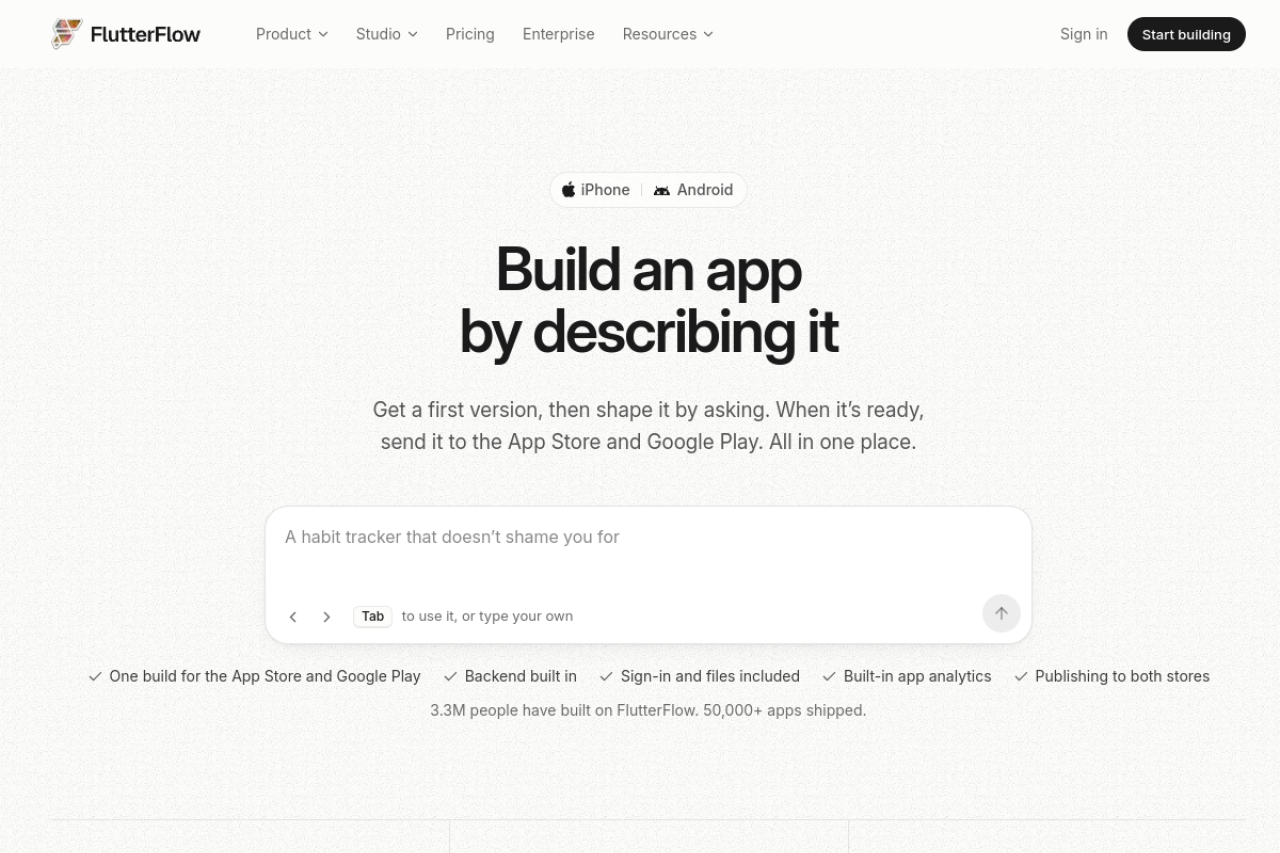
FlutterFlow is the pick if the reason you're leaving Bolt.new is that you need a real mobile app. This visual builder generates Flutter code for iOS, Android, web and macOS from one project, with Firebase, Supabase and REST API support. Unlike most visual builders, you can download the Flutter and Dart code and keep working on it elsewhere.
As of November 2026, FlutterFlow's pricing page lists Free at $0, Basic at $39 a month ($29 billed yearly), Pro at $80 a month ($60 yearly) and Max at $150 a month ($113 yearly). Complex logic still benefits from knowing Dart.
Pros
• Generates real, exportable Flutter code
• One project for iOS, Android, web and macOS
• Strong Firebase and Supabase support
Cons
• Complex logic benefits from Dart knowledge
• Limited AI usage on lower plans
• Seat costs add up for teams
Best for: Developers and technical founders who need App Store and Google Play apps and want to keep the code.
FlutterFlow is a visual, drag-and-drop app builder that generates real Flutter code for iOS, Android, web, and desktop, with Firebase,…
9. Softr – Best for internal tools and client portals on existing data
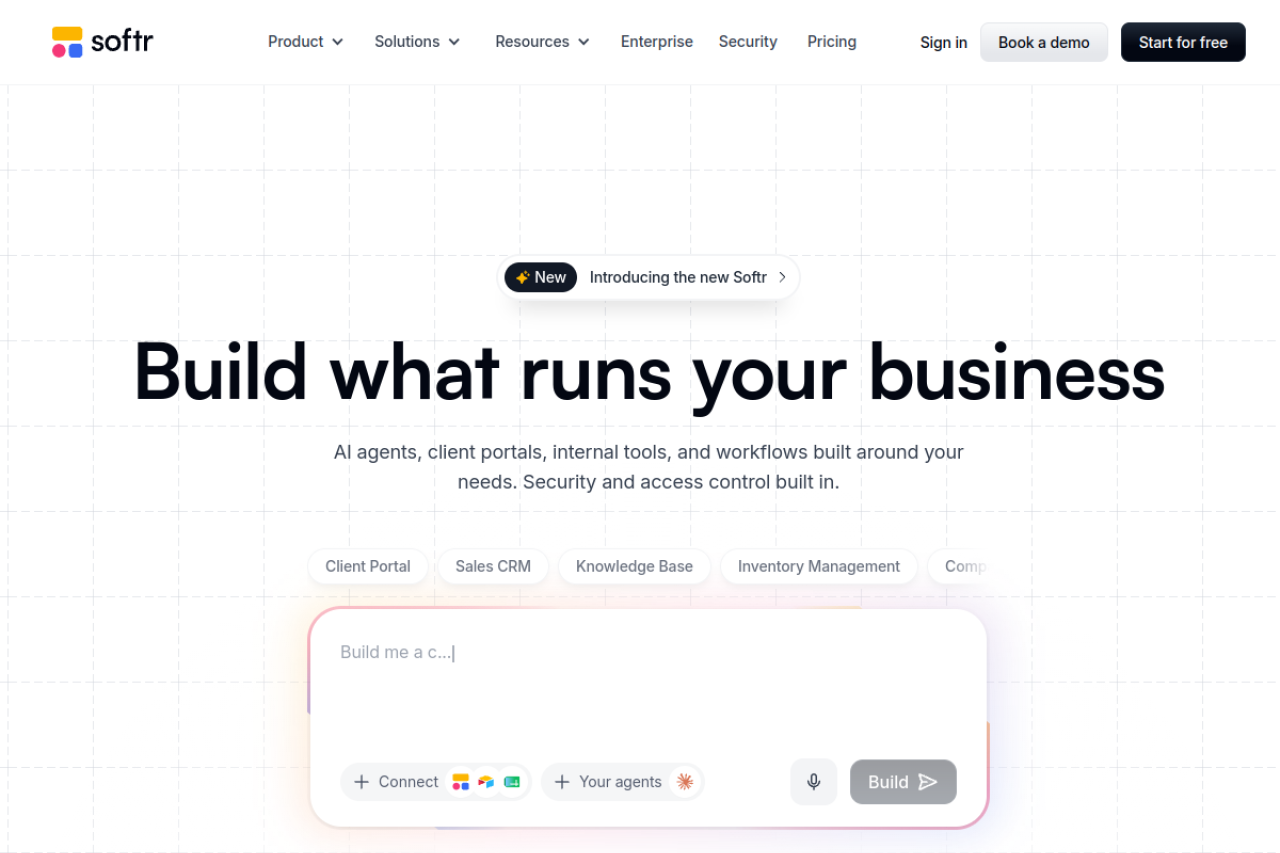
Softr builds business apps, client portals and internal tools on top of data you already have, in Airtable, Google Sheets, Notion, HubSpot or SQL databases, or in Softr's own databases. An AI co-builder generates pages from a prompt, and it includes logins, permissions, workflows and Stripe payments. If you spent tokens maintaining an internal dashboard on Bolt.new, Softr is a calmer way to run it.
As of November 2026, Softr's pricing page lists Free, Basic at $19 a month, Pro at $99 a month and Business at $329 a month. Custom code and API connectors start on Pro. See Gappsy vs Softr.
Pros
• Fast way to build apps on existing spreadsheets and databases
• Built-in logins, permissions and payments
• Wide range of data source integrations
Cons
• Costs scale with app users and AI credits
• Complex logic needs custom code or workarounds
• Performance depends on the connected data source
Best for: Operations teams and agencies building internal tools or client portals on data they already have.
Softr is a no-code and AI-native platform for building business apps, client portals, and internal tools directly from data in Airtable,…
Bolt.new alternatives compared
Bolt.new is the first row, for reference. Code access is the main dividing line.
| Tool | Best for | Starting price | Builds | Code access |
|---|---|---|---|---|
| Bolt.new | Reference: in-browser full-stack generation | Free; Pro $25/mo | Full-stack web apps | Full code, GitHub export |
| Gappsy | Non-developers who want to launch and sell | Free; Pro $19/mo yearly ($29 monthly) | App, website and business tools with payments | None (built from feature blocks) |
| Lovable | Prompt-to-app with visual editing | Free; Pro $25/mo ($21 yearly) | Full-stack web apps | Full, editable code |
| Replit | Hosting and database in one place | Core $20/mo ($18 yearly) | Full-stack apps in many languages | Full code in a cloud IDE |
| v0 | React and Next.js on Vercel | Free; Plus $30/user/mo | React and Next.js apps | Full code, Git sync |
| Cursor | Owning the code locally | Free; Plus $8/mo | Any codebase you open | Full code on your machine |
| Windsurf | Agent coding inside your IDE | Free; Pro $20/mo | Any codebase you open | Full code on your machine |
| Bubble | Complex no-code web apps | Free; Starter $29/mo | Web apps with database and workflows | No export (Bubble runtime) |
| FlutterFlow | Native mobile apps | Free; Basic $39/mo ($29 yearly) | iOS, Android, web and macOS apps | Exportable Flutter code |
| Softr | Internal tools and portals | Free; Basic $19/mo | Business apps on your data | No export; custom code on Pro |
Bolt.new, Replit, v0, Cursor, Windsurf, FlutterFlow and Softr prices are from their official pricing pages as of November 2026. Lovable and Bubble prices are from our published listings. Gappsy prices were checked on November 12, 2026. Most of these tools add usage-based charges on top of the plan price.
How to choose a Bolt.new alternative
Decide whether you need the code. If you'll hire a developer or want to self-host, stay with code: Lovable, Replit or v0 with hosting handled, Cursor or Windsurf locally. If nobody will read the code, Gappsy, Bubble or Softr removes a class of problems.
Work out your real monthly cost. Nearly every tool meters AI usage, and some also meter the running app (Lovable Cloud, Bubble's Workload Units). Price one week of your real Bolt.new usage on each plan, including hosting.
Check where the backend lives. Replit, Lovable, Bubble and Gappsy include hosting and a database; Cursor and Windsurf don't.
Mobile or web. For store apps with code you own, choose FlutterFlow. Gappsy can package a web app for the stores on Pro.
Run the same test project. Give two or three tools the same prompt, then ask for a change Bolt.new struggled with. The second request tells you more than the first demo.
Frequently Asked Questions
What is the best Bolt.new alternative?
It depends on why you're switching. Lovable is the closest prompt-to-code match, Replit puts hosting and a database in one platform, and Cursor or Windsurf give full control of local code. Non-developers who want a live product with payments can look at Gappsy (our own product) or Bubble.
Is there a free alternative to Bolt.new?
Yes. Gappsy, Lovable, v0, Cursor, Windsurf, Bubble, FlutterFlow and Softr all list a free plan, though each is limited. v0 Free allows 7 messages a day, for example, and Gappsy Free allows 10 typed AI changes a month.
How much does Bolt.new cost?
As of November 2026, Bolt.new's pricing page lists a Free plan with 300,000 tokens a day and up to 1 million a month, Pro at $25 a month billed monthly starting at 10 million tokens a month, and Teams at $30 per member a month. Yearly billing saves up to 28%.
What is the difference between Bolt.new and Lovable?
Both generate full-stack web app code from prompts and work with Supabase. Bolt.new runs projects in your browser and bills in tokens. Lovable runs in its own cloud, adds visual editing and bills in credits that also cover hosting.
Which Bolt.new alternative is best for non-developers?
Gappsy and Bubble. Gappsy builds a live app from built-in blocks with payments and bookings included and is quicker to start; Bubble takes longer to learn but allows deeper custom logic. Softr suits internal tools.
Can Bolt.new build mobile apps?
Bolt.new builds web apps. For native iOS and Android apps with exportable code, use FlutterFlow. Gappsy Pro can package apps for the stores using your own developer accounts.
Which alternatives let me export my code?
Lovable, Replit, v0 and FlutterFlow generate code you can take with you, and Cursor and Windsurf work on code on your own machine. Gappsy, Bubble and Softr don't export code.
Is Cursor a good replacement for Bolt.new?
For developers, often yes. Its agent works on a codebase you control, which makes debugging loops easier to break. It doesn't include hosting, a database or deployment, so you set those up yourself.