Miro vs Slack vs Todoist: Which Is Right for You in 2026?
Miro, Slack, and Todoist don't actually compete for the same budget line — they solve three separate problems: visualizing ideas on a shared canvas,…
Freemium / Subscription · From Free; paid plans from $8/month per member
Best for: Teams running workshops, agile ceremonies, or diagramming work that needs a persistent, zoomable shared canvas rather than a linear document.
Freemium per-user subscription · From Free (paid plans from $7.25/user/month billed annually)
Best for: Organizations that want channel-organized communication with huddles and integrations replacing scattered email and DMs.
freemium · From Free; Pro from $5/user/month (billed annually)
Best for: Individuals or small teams who want lightweight, cross-platform task capture without adopting a full project management suite.
At a Glance
| Miro | Slack | Todoist | |
|---|---|---|---|
| Primary category | Productivity | Productivity | Productivity |
| Rating | Not documented | Not documented | Not documented |
| Pricing model | Freemium / Subscription | Freemium per-user subscription | freemium |
| Starting price | Free; paid plans from $8/month per member | Free (paid plans from $7.25/user/month billed annually) | Free; Pro from $5/user/month (billed annually) |
| Free plan | Yes | Yes | Yes |
| Free trial | Not documented | Not documented | Not documented |
| Platforms | Not documented | Not documented | Web, iOS, Android |
| Team collaboration | Not documented | Not documented | Not documented |
| AI features | Yes | Yes | Not documented |
| Public API | Not documented | Not documented | Not documented |
Standout Differences
Three different jobs, not three rivals
Miro is a visual whiteboard, Slack is a messaging platform, and Todoist is a task manager — none of them substitute for either of the others. Buyers who land on this comparison are more likely deciding whether to add a second or third tool to an existing stack than choosing one over the others.
Miro, Slack, Todoist
Free tiers have very different ceilings
Miro's free plan caps out at just 3 editable boards, which is enough to evaluate the product but not to run ongoing work. Slack's free plan is more usable long-term but loses message history after 90 days and restricts DMs to one-on-one only. Todoist's free tier is generally the most workable for solo use of the three.
Miro, Slack, Todoist
AI is layered into paid tiers on both Miro and Slack
Miro adds AI credits at the Starter tier and AI-powered workflows, agents, and MCP connectivity at the Business tier. Slack adds an AI-powered Slackbot personal agent at Business+ and enterprise-grade AI at its top tier. No AI capability is documented for Todoist in the data provided.
Miro, Slack
Entry pricing favors Slack and Todoist over Miro
Slack starts at $7.25/user/month billed annually and Todoist Pro starts at $5/user/month billed annually, both below Miro's $8/month per member starting price. For a small team evaluating pure cost of a paid seat, Slack and Todoist have the lower entry points.
Miro, Slack, Todoist
Feature-by-Feature
Core Function
| Feature | Miro | Slack | Todoist |
|---|---|---|---|
| Visual whiteboard / infinite canvas | Available | Unavailable | Unavailable |
| Channel-based team messaging | Unavailable | Available | Unavailable |
| Task / to-do list management as primary function | Unavailable | Unavailable | Available |
| Real-time multi-user co-editing on a shared canvas | Available | Not documented | Not documented |
Pricing & Plans
| Feature | Miro | Slack | Todoist |
|---|---|---|---|
| Free plan available | Available | Available | Available |
| Introductory discount for new accounts | Not documented | Available | Not documented |
| Prorated billing for mid-cycle headcount changes | Available | Not documented | Not documented |
AI & Integrations
| Feature | Miro | Slack | Todoist |
|---|---|---|---|
| AI-powered workflows/agents in paid tiers | Available | Available | Not documented |
| Two-way third-party integrations | Available | Available | Not documented |
Pricing Compared
Starting price reflects the lowest paid tier, not the full cost for every team size or usage level.
Miro
Slack
Todoist
Pros & Cons
Miro
Pros
- Extremely large template and integration ecosystem
- Real-time collaboration works well for distributed and hybrid teams
- Scales from free individual use to large enterprise deployments
- Continuously expanding AI features for diagram generation and summarization
- Strong brand trust with 90M+ users and 250,000+ organizations
Cons
- Paid plans get expensive quickly for larger teams (per-member pricing)
- AI features are credit-limited even on paid plans
- Can feel overwhelming for users who only need simple diagramming
- Enterprise plan requires a 30-member minimum
- Some advanced features require Business or Enterprise tiers
Slack
Pros
- Widely adopted with the largest third-party app and integration ecosystem among team chat tools
- Channel and thread structure scales well for large, distributed organizations
- Huddles reduce meeting friction compared to scheduling a formal video call
- Enterprise Grid offers mature governance and security controls for large, regulated companies
- Deep integration with the broader Salesforce and Slack AI product suite since the acquisition
Cons
- Free plan's message history limit pushes most active teams toward a paid tier quickly
- Per-user pricing gets expensive fast for large organizations, especially after 2025's Business+ price increase
- Notification and channel overload is a common complaint in large, busy workspaces
- Business+ and Enterprise Grid pricing has trended upward since the Salesforce acquisition
- Some users prefer Microsoft Teams when already standardized on Microsoft 365
Todoist
Pros
- Long track record of stability and active development since 2007
- Fast, well-regarded natural language input for quick task capture
- Generous cross-platform support across virtually every major device and OS
- Bootstrapped, profitable company not dependent on investor pressure to monetize aggressively
- Clean, minimalist interface that avoids feature bloat found in heavier PM tools
Cons
- Free plan's 5-project limit is restrictive for users managing multiple areas of life or work
- Recent price increases from December 2025 raised both Pro and Business plan costs
- Lacks some advanced project management features like Gantt charts and resource management found in tools like Asana or ClickUp
- No built-in time tracking without third-party integrations
- Business plan's per-user pricing can add up quickly for larger teams
Use Cases
Miro
- Agile software teams — Teams running sprint planning, retrospectives, and story mapping using Miro's agile templates.
- Design and UX workshops — Designers and researchers running collaborative brainstorming, journey mapping, and prototyping sessions.
- Enterprise innovation teams — Large organizations coordinating cross-functional strategic planning and workshops at scale.
Slack
- Company-wide team communication — Organizations replace much of their internal email with channel-based messaging for day-to-day team communication.
- Cross-company collaboration — Shared channels let businesses collaborate directly with external partners, vendors, or clients inside Slack.
- Workflow and process automation — Teams use Workflow Builder to automate intake forms, approvals, and recurring status updates without custom code.
Todoist
- Personal Task and Errand Management — Individuals use Todoist's free or Pro plan to capture daily tasks, set reminders, and organize personal projects using natural language input.
- Small Team Project Coordination — Small teams use Todoist Business to share projects, assign tasks, and track progress across a shared workspace.
- Freelance Client and Project Tracking — Freelancers use labels, filters, and projects to separate and prioritize work across multiple clients.
Screenshots
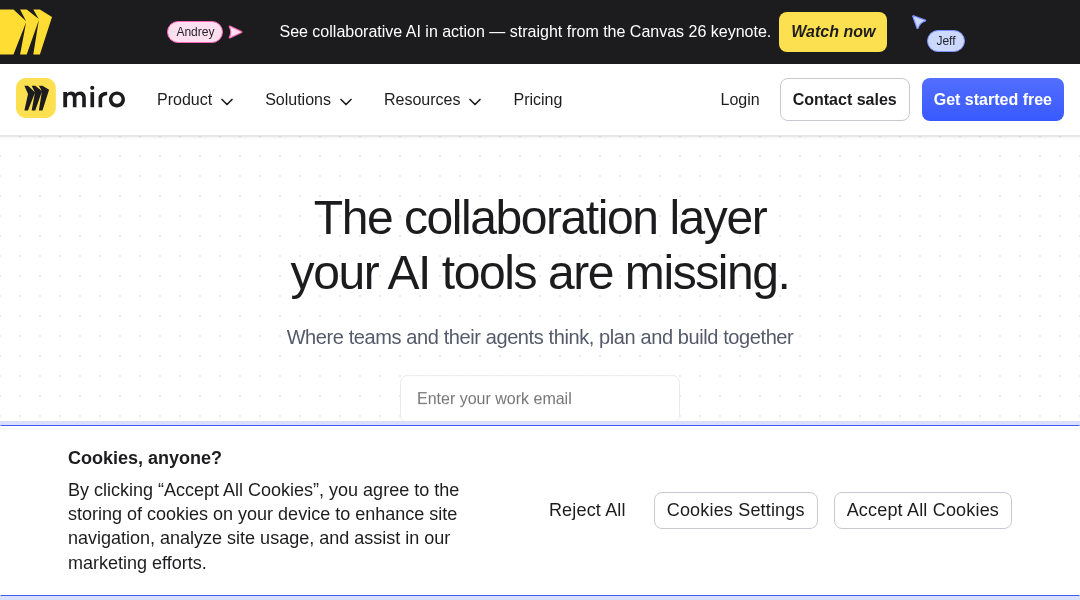
Miro
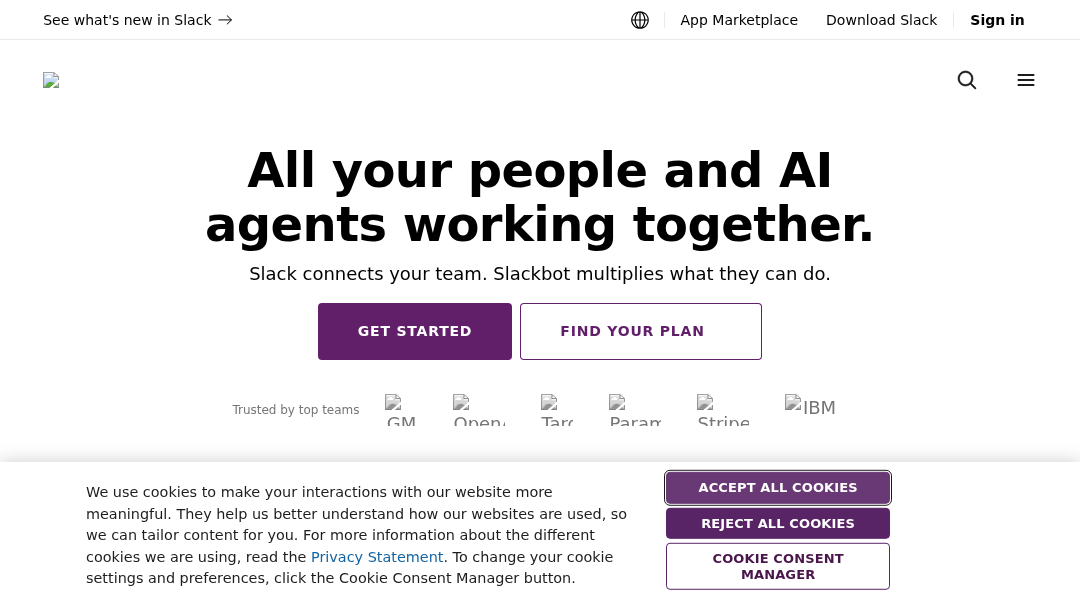
Slack
Frequently Asked Questions
Do Miro, Slack, and Todoist actually compete with each other?
No. They belong to different tool categories — Miro is a visual whiteboard for brainstorming and diagramming, Slack is a team messaging platform, and Todoist is a task manager. Most teams use two or three of them together rather than choosing just one.
Which of the three is cheapest for a small team?
Todoist Pro starts at $5/user/month billed annually and Slack starts at $7.25/user/month billed annually, both below Miro's $8/month per member starting price. All three also offer a free plan, though Miro's free tier is limited to 3 editable boards.
Can I use Miro, Slack, and Todoist together?
Yes, and this is the more common setup than choosing one exclusively. A typical stack uses Slack for day-to-day communication, Miro for workshops, retros, and planning sessions on a shared canvas, and Todoist for individual task tracking that doesn't need a full project management suite.
Which has the most usable free plan long-term?
Slack's free plan is usable for small teams on an ongoing basis, though it caps message history at 90 days and limits DMs to one-on-one conversations. Miro's free plan is capped at only 3 editable boards, which suits a single small project or evaluation rather than continuous use. Todoist's free tier is generally workable for individual task management without a hard project cap mentioned.
Does Slack replace the need for Todoist or Miro?
Not based on their core feature sets. Slack centralizes communication and includes Huddles and file sharing, but it isn't built as a dedicated task manager like Todoist or a visual canvas tool like Miro. Teams typically layer Slack notifications on top of, rather than instead of, dedicated planning and task tools.
Read the full Miro review · Read the full Slack review · Read the full Todoist review