Best AI App Builders in 2026
November 16, 2026 · 16 min read
Eleven AI app builders grouped by the person using them: developers who want a codebase (Lovable, Bolt.new, Replit, v0), visual no-code makers (Bubble, FlutterFlow, Glide, Adalo, Softr) and small businesses that want an app, a website and booking or ordering (Gappsy, Appy Pie). Prices from our listings, November 2026.
"AI app builder" now means three different products
Type a sentence, get an app: every tool in this guide makes that promise. What comes back is very different. Some tools hand you a codebase, some give you a visual project that lives on their platform, and some give you a running business product with payments and bookings already working. Picking the wrong kind is the most common reason people switch builders a few weeks in.
So instead of one ranked list, this guide sorts eleven builders by who they are for:
Group 1, business builders, for owners who want a working app this week. Gappsy and Appy Pie start from what a business does (take bookings, sell, bring customers back) and produce an app with those features already working. Less design freedom, far less setup.
Group 2, code generators, for people who want the code. Lovable, Bolt.new, Replit and v0 write real source code that you can read, change, keep in Git and host somewhere else. You, or a developer, own what happens next.
Group 3, visual and no-code platforms, for makers who want control without code. Bubble, FlutterFlow, Glide, Adalo and Softr use AI to get you started, then you shape the app in a visual editor. Apps run on the vendor's platform, with FlutterFlow as the exception: it exports Flutter code.
Disclosure: Gappsy is our own product. It comes first because that is the job most readers of this guide have: a working business app without code, and its limits are listed the same way as everyone else's. Prices come from our published listings, checked against vendors' pricing pages in November 2026. Most of these tools add usage charges on top of the plan price.
The short answer
• An app, a website and booking or ordering for a local business: Gappsy (our product)
• A native store app for a small business, priced per app: Appy Pie
• Prompt to a full-stack web app with code you keep: Lovable
• Fast code generation that runs in your browser, billed in tokens: Bolt.new
• An AI agent inside a full cloud IDE, many languages: Replit
• React and Next.js interfaces for Vercel: v0
• Complex web apps with custom logic and no code: Bubble
• Native iOS and Android with exportable code: FlutterFlow
• Team apps on top of spreadsheets: Glide
• Native mobile apps designed without code: Adalo
• Client portals and internal tools on existing data: Softr
For small businesses that want an app, a website and bookings or ordering
The first group starts from the business, not the app. You say what you run, a cafe, a salon, a gym, a clinic, and the tool produces an app with the features that business needs already working: booking, ordering, payments, loyalty, push messages. You give up most of the design and logic freedom of the first two groups. In return, a working product takes minutes and needs no database, payment code or hosting setup.
1. Gappsy: best for an app, a website and business tools from one description
Disclosure: Gappsy is our own product. Read this entry with that in mind. Its limits are listed below, as for every other tool.
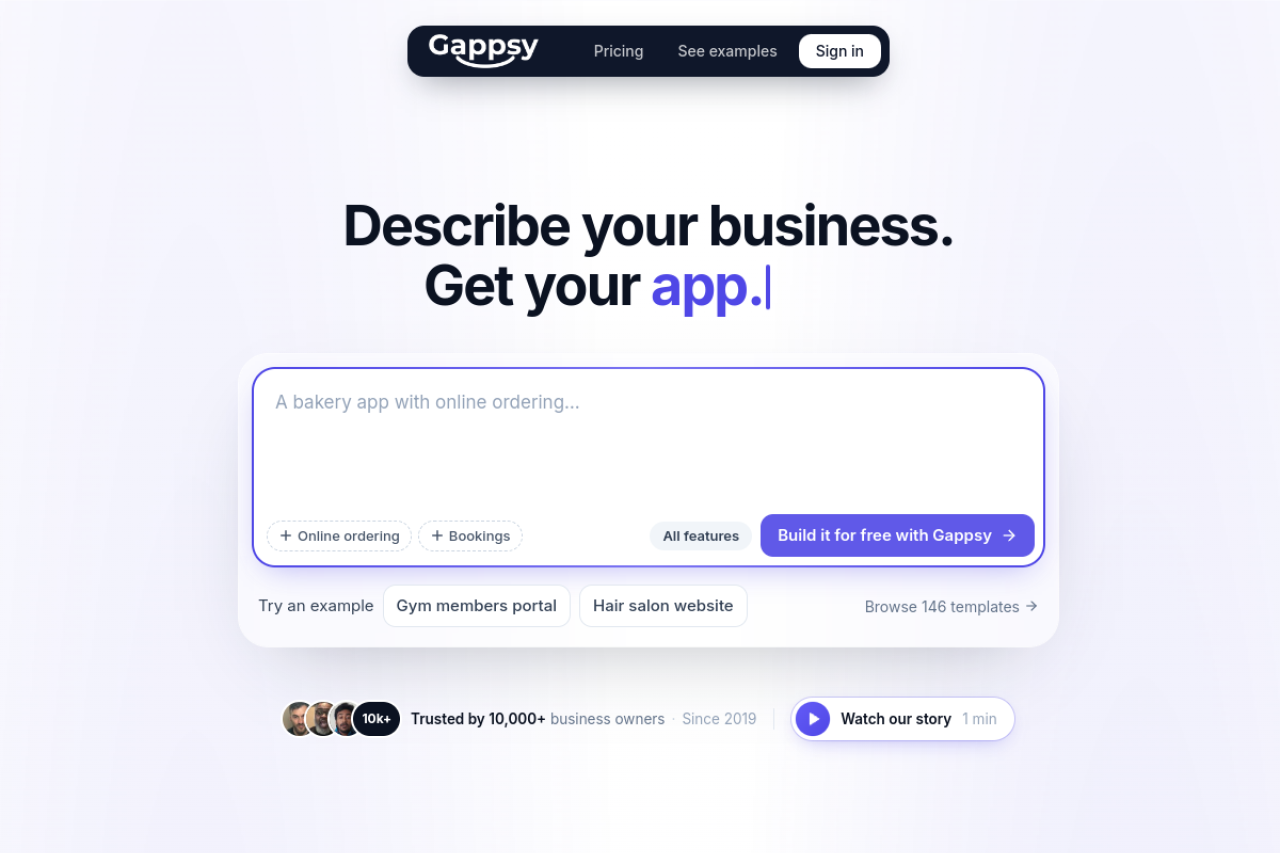
Gappsy builds three things from one description: an app customers add to their phone's home screen, a website on the same content, and the tools the business runs on, such as online booking, ordering and a small shop, memberships, gift cards, event tickets, forms or a loyalty card in Apple Wallet and Google Wallet. Change the app and the website changes with it. Edits are typed ("add a members area") or made by tapping on texts, photos and prices.
It is not a code generator. Apps are assembled from Gappsy's own feature blocks, so custom logic is limited to what those blocks do, though on Pro and Business you can download the finished app as a React + Vite project and host it anywhere. What you get instead is a product that already works: customers pay into your own Stripe account, and hosting, a database, customer accounts and push notifications are included. The builder's library has about 195 ready-made apps to start from, from restaurants and hair salons to software such as a CRM or help desk that you can rebrand and charge others for. Browse them all by business type.
Plans, checked November 2026: Free is $0 for one app on yourname.gappsy.co with 300 visitors and 10 typed AI changes a month, a 5% payment fee and a Gappsy label. Pro is $19 a month billed yearly or $29 monthly: your own domain, no label or ads, a 1% fee, 3,000 visitors, 50 AI changes, and App Store and Google Play publishing you do with your own developer accounts. Business is $55 a month billed yearly or $79 monthly: 5 apps, 150,000 visitors a month, 0% fee, 300 AI changes per app and priority support. Stripe's own fees apply on every plan.
Compare it with Lovable, Bolt.new, Bubble or Appy Pie, or try the builder on the Free plan.
Pros
• An app, a website and business tools from one build, kept in sync
• Payments, bookings, memberships and a Wallet loyalty card on every plan, including Free
• Tap-editing is unlimited; only typed AI changes are counted
• About 195 ready-made apps to start from
Cons
• Code download only on Pro and Business, no Git sync, and limited custom logic
• Less design freedom than a visual editor
• Free plan is tight: 300 visitors, 10 AI changes, 5% fee
• Store publishing needs Pro, your own Apple and Google developer accounts and a Mac for iOS, or the $600 service
• Newer than most tools on this list
Best for: owners of cafes, salons, gyms, clinics, shops and service businesses who want customers to book, order and come back, and founders who want to sell a ready-made software product without writing it.

One description builds an app, a website and the tools a business runs on.
2. Appy Pie: best for a native store app priced per app
Appy Pie also starts from a prompt and also targets small businesses, but it aims at the app stores. It produces signed Android and iOS builds, guides store submission including screenshots and listing copy, and includes hosting, user accounts, an admin panel, push campaigns and pre-wired payments through Stripe, PayPal, Apple Pay, Google Pay and more than 17 regional gateways.
Pricing is per app per month, per our listing: Basic $16 and Gold $36 for Android, Platinum $60 adding iOS and App Store publishing, and Enterprise by quote. Plans cap push notifications and app downloads at 500, 1,000 or 2,000 a month. A yearly toggle advertises up to 20% off. Google Play's one-time $25 fee and Apple's $99 a year are extra.
See Appy Pie vs Gappsy.
Pros
• Signed store builds with submission help
• Many payment gateways pre-wired
• Business modules such as loyalty cards, coupons, reservations and dine-in
Cons
• iOS requires the $60 per app Platinum plan
• Push and download caps on every plan
• No code export or custom server logic; removing branding is an add-on
Best for: small businesses that specifically want a listing in Google Play and the App Store and can work within per-app pricing.
For developers who want the code
These four tools turn a prompt into source code. They differ in where the code runs, which framework it uses and how usage is billed. All four meter AI work, so a long session of fixes costs more than the first build did.
What you take on: reviewing AI-written code, especially sign-in, payments and access to user data, and a bill that grows with the size of the project. What you get: no lock-in. If the tool changes direction or raises prices, the code leaves with you.
3. Lovable: best for a full-stack web app you keep editing in plain English
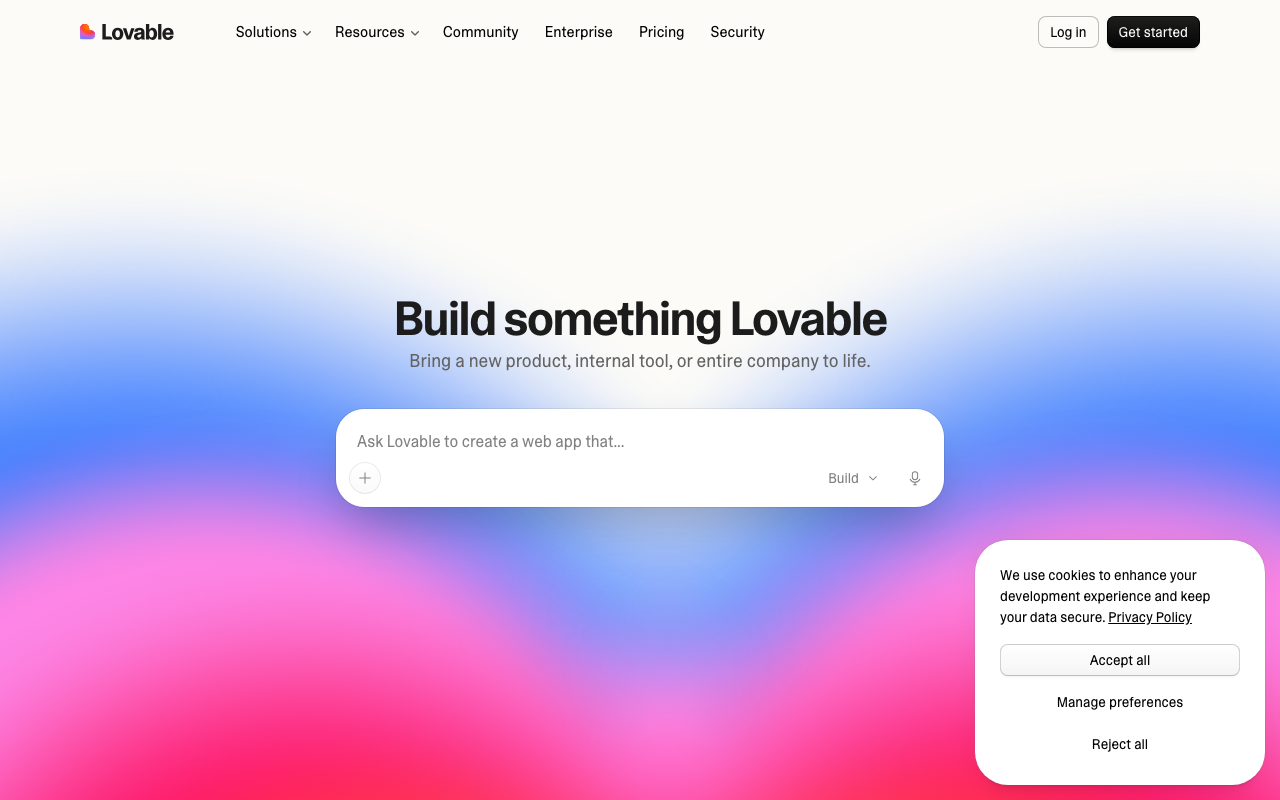
Lovable writes a full-stack web app from a chat prompt and keeps it editable through both chat and a visual editor. The backend runs on Supabase, connected by you or provided through Lovable Cloud, so sign-in, a database and file storage arrive with the first build instead of as a separate project.
Billing is in credits. Our listing, checked in November 2026, shows a free tier, but it is limited to 5 build credits a day and 30 a month, so real projects need a paid plan: Pro from $25 a month with 100 credits or Business from $50 a month, with credit tiers up to 10,000 a month. Annual billing gives two months free, which puts Pro at about $21 a month. Building, chat, hosting and the built-in backend draw on one balance, so a live app with traffic keeps spending credits after you stop building.
Code download is on Pro and Git sync is on every plan, as covered in our Gappsy vs Lovable comparison. For its closest rival see Lovable vs Bolt.new. Already on Lovable and thinking of leaving? Our Lovable alternatives guide sorts the options by reason.
Pros
• Full-stack output with a Supabase backend from the first prompt
• Chat edits and visual edits on the same project
• The code stays yours through Git sync and download
Cons
• One credit balance covers building and running, which makes the monthly bill hard to forecast
• Generated sign-in and data rules need a careful review before launch
• Builds web apps, not native mobile apps
Best for: founders and developers building a SaaS prototype or a web tool who want to hand real code to a team later.
Chat-to-code builder for full-stack web apps on a Supabase backend.
4. Bolt.new: best for fast code generation inside the browser
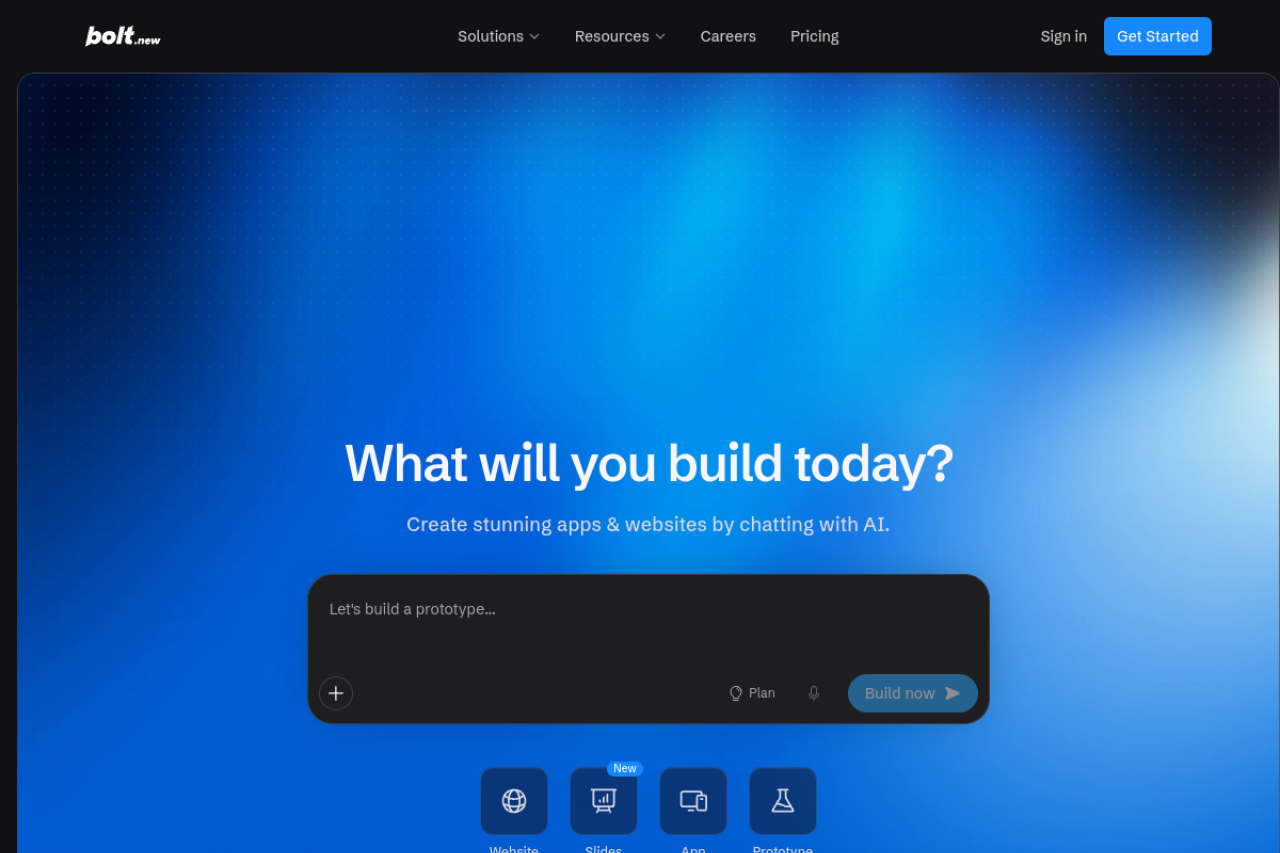
Bolt.new comes from StackBlitz and runs the generated project inside your browser tab, so you watch the app install and start while the AI writes it. It is not tied to one framework, connects to Supabase for data and sign-in, and exports to GitHub when you want to continue elsewhere.
Usage is counted in tokens. As of November 2026 our listing shows a free tier, but it is capped at 300,000 tokens a day and 1 million a month, so real projects move to a paid plan: Pro from $25 a month with 10 million tokens, custom domains and no Bolt branding, or Teams at $30 per member a month. Yearly billing saves up to 28%, which Bolt's help center puts at $216 a year for the entry Pro tier. Larger projects use more tokens per request, because the AI reads more files each time.
Compare it in Lovable vs Bolt.new, Bolt.new vs v0 and Bolt.new vs Gappsy, or see our Bolt.new alternatives if token costs are the problem.
Pros
• Very short path from prompt to a running preview
• Not tied to one framework or host
• GitHub export when you outgrow it
Cons
• Token use rises as the project grows
• Database, sign-in and hosting are separate services you connect
• Very large projects can hit in-browser performance limits
Best for: developers who want a working prototype in minutes and are comfortable taking the code into their own setup.
StackBlitz's in-browser AI builder that writes and runs full-stack web apps.
5. Replit: best for building, hosting and running code in one place
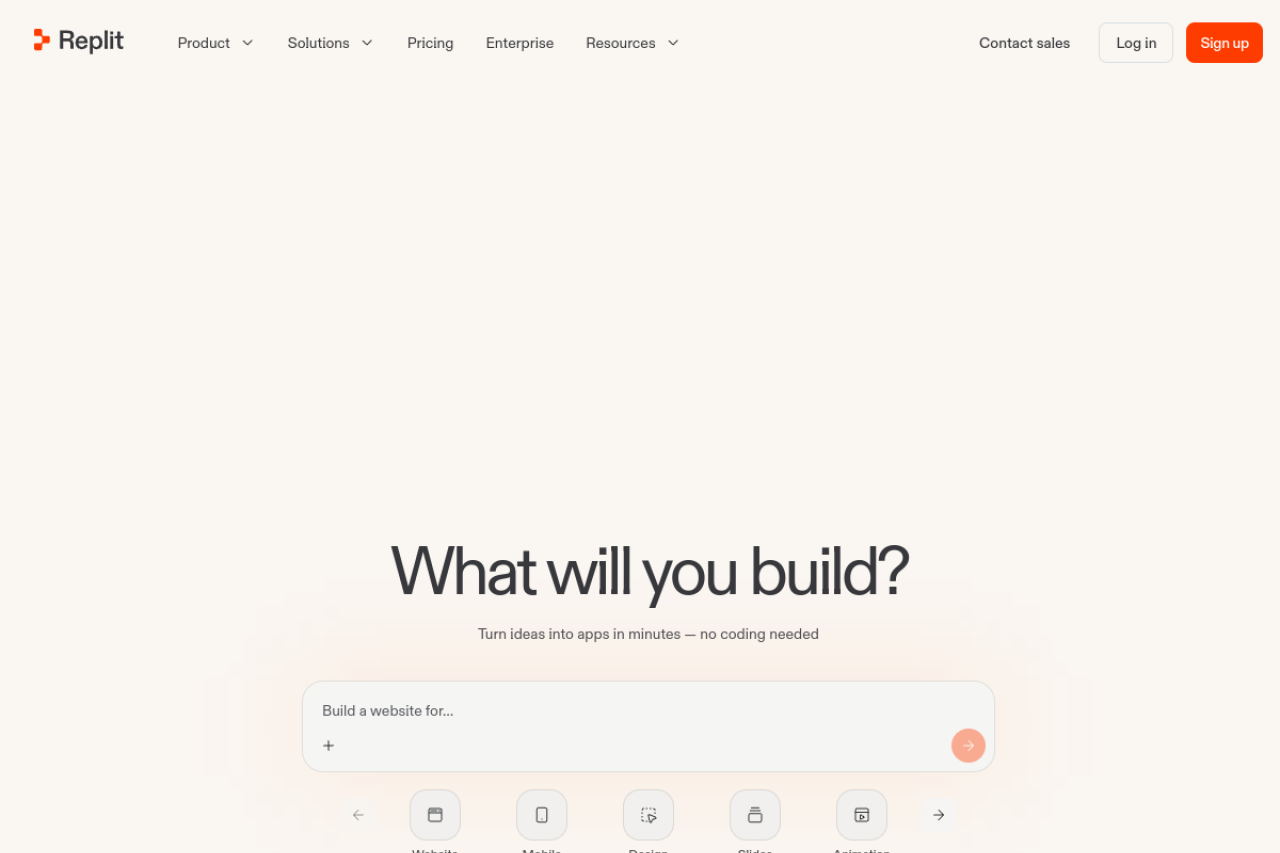
Replit is a cloud development environment with an AI Agent on top. The Agent plans the app, writes it, sets up the database and deploys it, and the full editor is there when you want to change things by hand. It supports many languages beyond JavaScript, and several people can edit the same project at once.
Our listing shows a free Starter plan, but it is limited to daily Agent credits and one published app that expires after 30 days, so real projects need a paid plan: Core at $20 a month ($18 billed annually) or Pro at $100 a month ($90 annually), with larger Pro credit tiers and custom Enterprise pricing. As with the other code generators, heavy Agent use can push the bill past the plan price.
See Lovable vs Replit and Gappsy vs Replit.
Pros
• Editor, database, hosting and deployment on one platform
• Many languages and frameworks
• Real-time collaboration in the same project
Cons
• Usage credits make cost depend on how much the Agent works
• AI-made database changes need checking before production
• The most developer-oriented tool here; non-coders will see a lot of code
Best for: developers and small technical teams who want the AI to handle setup and hosting but still want a real coding environment.
Cloud IDE with an AI Agent that builds, hosts and deploys apps in many languages.
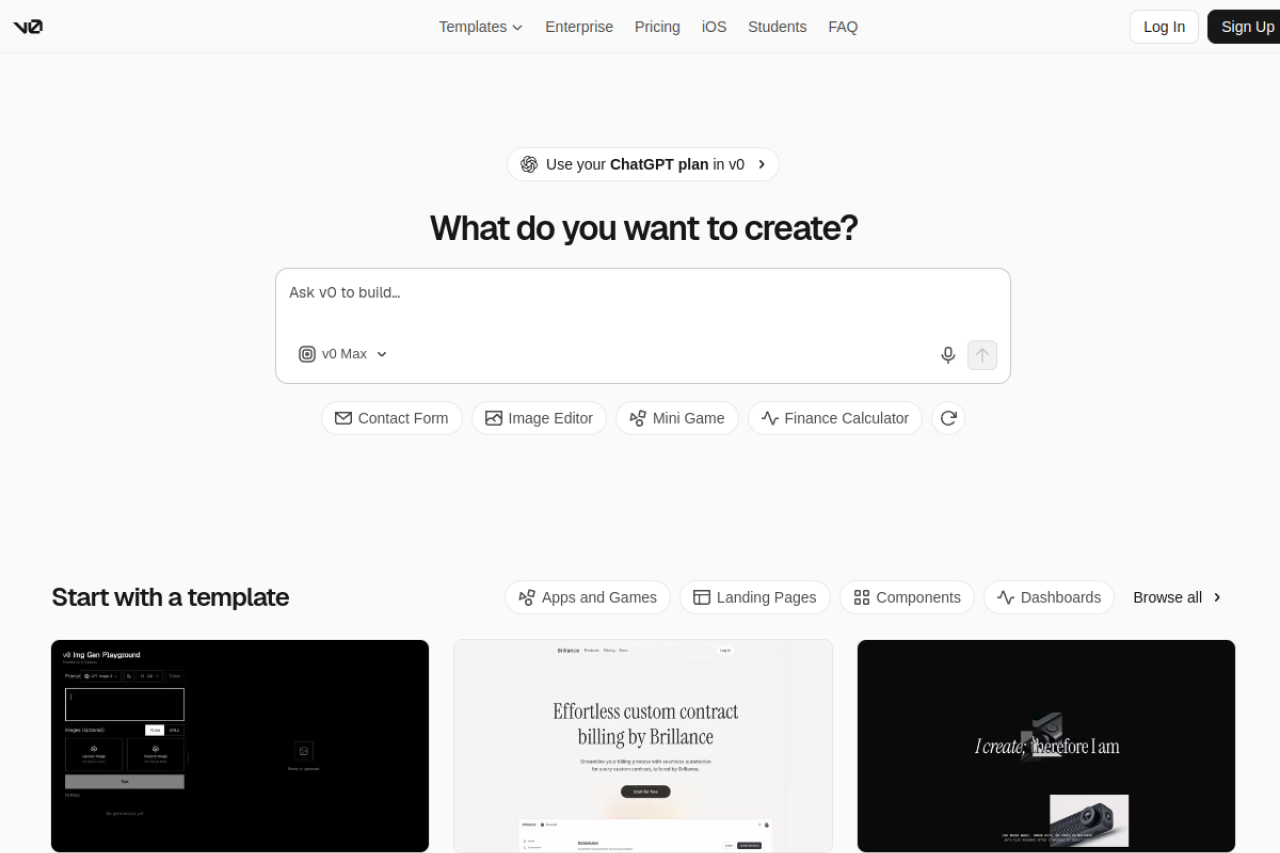
6. v0: best for React and Next.js front ends on Vercel
v0 is Vercel's generator for React and Next.js interfaces and full-stack app code. Output follows shadcn/ui and Tailwind CSS conventions, which makes it easy to drop into an existing Next.js codebase, and deploying to Vercel takes one click.
Our listing, November 2026: a free tier limited to 7 messages a day, so real work needs Plus at $30 per user a month or Business at $100 per user a month, both with $30 of included monthly credits per user, plus custom Enterprise pricing. Only monthly prices are listed.
See Lovable vs v0 and Gappsy vs v0.
Pros
• Clean component code in a widely used stack
• Fits straight into Next.js projects and Vercel hosting
• Useful for single interface pieces, not only whole apps
Cons
• Most useful if you already work with Vercel and Next.js
• Per-user pricing adds up for teams
• Seven messages a day on the free tier is little for real work, so most users need Plus at $30 per user
Best for: front-end developers and product teams on Next.js who want interface code they can merge into their own repository.
Vercel's generator for React and Next.js interfaces and app code.
For makers who want control without code
These five tools handle apps you could not describe in one prompt: custom data models, multi-step workflows, native mobile screens, portals with different roles. AI helps you start, but most of the work happens in a visual editor. In exchange for not maintaining code, your app runs on the vendor's platform, except with FlutterFlow, which exports Flutter code.
Expect a learning curve of days or weeks rather than minutes. That is the price of their flexibility, and it explains why some people start here and move to a simpler tool, while others arrive here after outgrowing one.
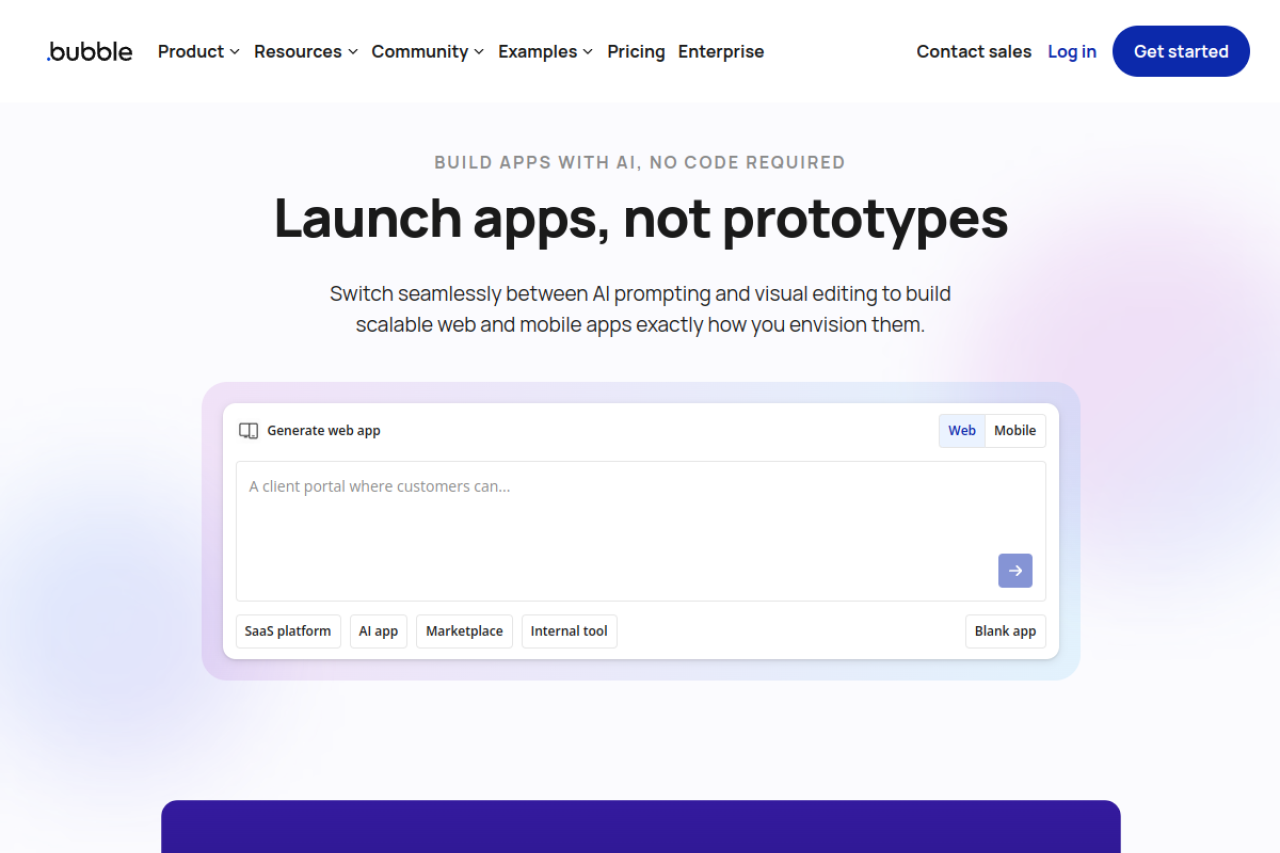
7. Bubble: best for complex web apps with custom logic
Bubble is a full-stack visual platform: you design the pages, define the database and wire backend workflows and API calls, all without code. That makes it a frequent choice for marketplaces, SaaS products and platforms with several user types, where no template fits.
Bubble prices each project by platform. Billed annually, Starter is $32 a month for web only, $42 for mobile only or $59 for both; Growth is $119, $169 or $209; Team is $349, $449 or $549. Monthly billing costs more, with web-only Starter at $39. Server usage is metered in Workload Units on top of the plan, which our listing flags as hard to predict for busy apps.
See Adalo vs Bubble, Bubble vs Softr, Bubble vs Gappsy and our Bubble alternatives.
Pros
• Deep custom logic and data modelling without code
• Large plugin ecosystem and an API connector
• Web and mobile plans under one account
Cons
• Steep learning curve
• Workload Units make costs variable
• No code export, so leaving means rebuilding
Best for: non-developers building a product with real business logic who are willing to invest time in learning the tool.
Visual full-stack platform for web and mobile apps with custom workflows.
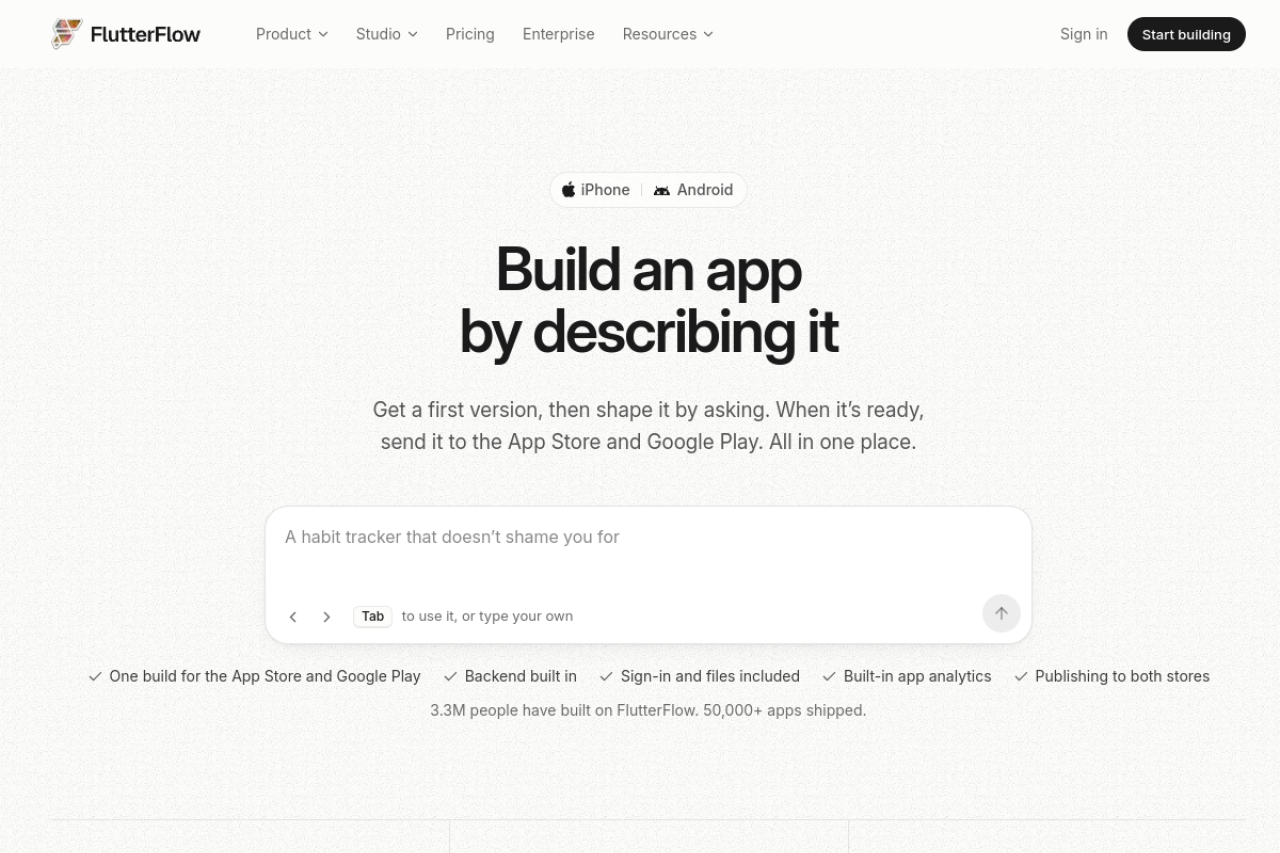
8. FlutterFlow: best for native mobile apps with code you can export
FlutterFlow is a visual builder that generates Flutter code for iOS, Android, web and desktop from one project, with Firebase, Supabase and REST API support. Unlike the rest of this group, it lets you download the Flutter and Dart code and continue in any editor.
Our listing shows a free tier limited to 2 projects, so real projects need a paid plan: Basic at $39 a month, Pro at $80 or Max at $150, with 25% off yearly (Basic about $29 a month). One subscription covers FlutterFlow and FlutterFlow Studio, and students and educators can apply for a free year.
Pros
• Real, exportable Flutter code
• One project for phones, web and desktop
• Works with Firebase or Supabase
Cons
• Complex logic is easier if you know some Dart
• Lower plans include limited AI usage
• Seats and higher tiers add up for teams
Best for: technical founders and agencies who need App Store and Google Play apps and want to own the code.
Visual builder that outputs exportable Flutter code for mobile, web and desktop.
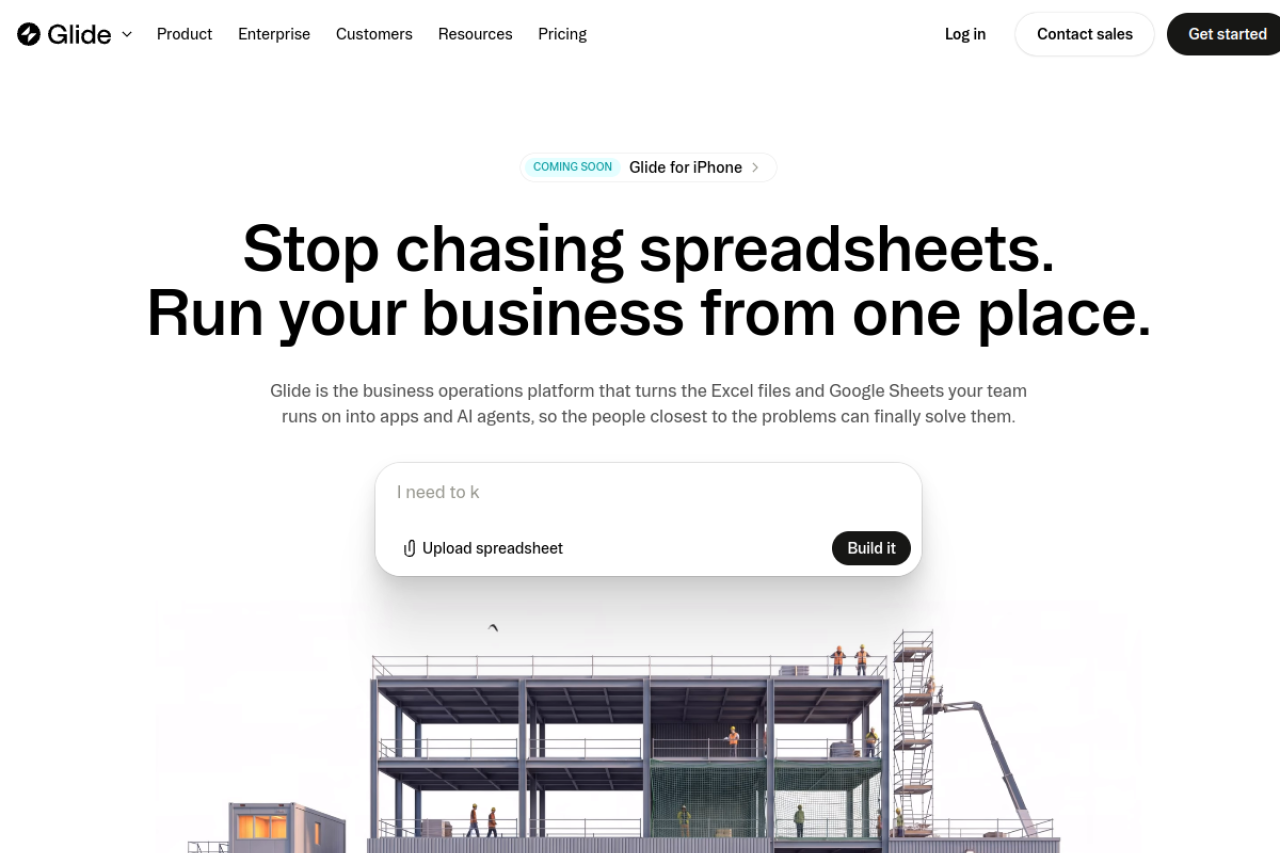
9. Glide: best for team apps built on spreadsheets
Glide turns data you already have, in Google Sheets, Airtable, Excel or Glide's own tables, into web and mobile apps for a team. Its AI can draft the layout, screens and data structure from a description, pull structured data out of images, audio and text, and run workflows.
As of November 2026, our listing shows a free tier for building and testing, then Basic at $25 a month, Plus at $50 and Pro at $125 (starting at 5 members), plus Enterprise. Glide says annual plans are coming soon, and higher credit tiers raise the Plus and Pro prices. The free tier cannot publish apps, so anything live starts on Basic at $25 a month.
See Gappsy vs Glide.
Pros
• Fastest route from an existing spreadsheet to a working app
• Workflows and AI data extraction built in
• Roles and permissions for larger teams on Pro
Cons
• The free tier cannot publish apps, so going live needs Basic at $25 a month
• Price depends on members, credits and published apps
• Integrations such as Salesforce, and single sign-on, are Enterprise-only
Best for: operations teams that run on spreadsheets and want a mobile-friendly app for staff.
Turns spreadsheets and business data into web and mobile apps for teams.
10. Adalo: best for native mobile apps designed without code
Adalo is a drag-and-drop builder for native iOS, Android and web apps, with a hosted database and an AI assistant. It sits between Glide's data-first approach and FlutterFlow's code output, and suits people who want to design every screen visually and publish real store apps without touching code.
Our listing, checked November 12, 2026, shows a free tier, but it is limited to test apps with 500 records each and 5 AI prompts a month, so real projects need Builder at $65 a month or Business at $200 a month. Yearly billing saves 20% ($624 a year for Builder) and quarterly saves 10%; new Builder subscribers on monthly billing pay $30 for the first month. Publishing to the stores and the web requires a paid plan.
See Adalo vs Bubble and Adalo vs Gappsy.
Pros
• Native store apps from a visual editor
• Hosted database included
• Plan prices rather than usage meters
Cons
• Store and web publishing need a paid plan
• Record limits on lower tiers
• Costs rise with more published apps and editors
Best for: non-technical founders who want a custom native app in the stores and are willing to design it screen by screen.
Drag-and-drop builder for native iOS, Android and web apps with a hosted database.
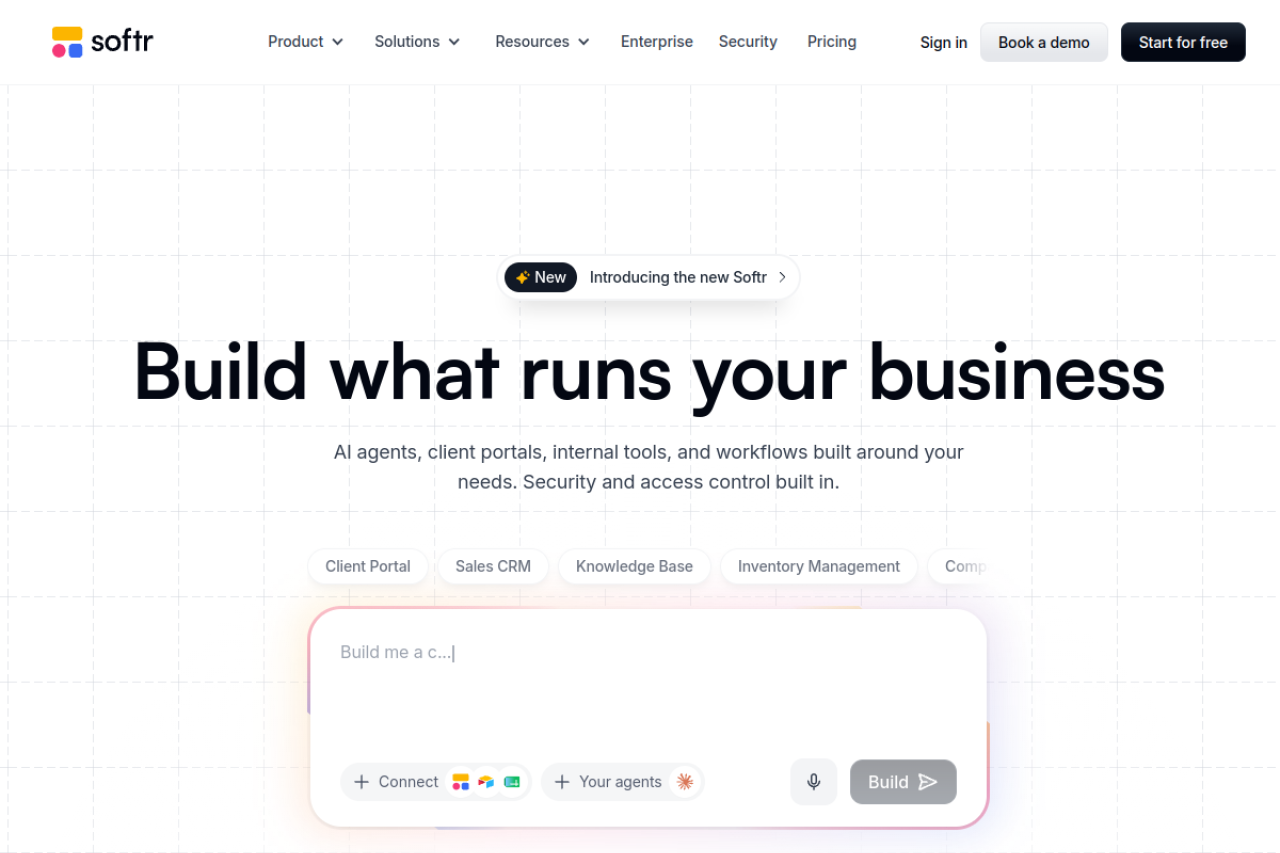
11. Softr: best for client portals and internal tools on existing data
Softr builds portals, internal tools and business apps on data in Airtable, Google Sheets, HubSpot, SQL databases or its own databases. An AI co-builder creates pages from a prompt, and logins, user permissions, workflows and Stripe payments come with the platform.
Softr has a free tier, but it is capped at 5 app users and 5,000 records, so real projects need a paid plan. Billed yearly, our listing shows Basic at $19 a month, Pro at $99 and Business at $329 ($25, $119 and $395 billed monthly), plus Enterprise. Non-profits and education get 50% off.
See Bubble vs Softr and Gappsy vs Softr.
Pros
• Builds on data you already keep elsewhere
• User logins and permissions without setup
• Half price for non-profits and education
Cons
• Price rises with app users and AI credits
• Complex logic needs custom code or workarounds
• Speed depends on the connected data source
Best for: agencies, consultants and operations teams that need a client portal or internal tool on Airtable, Sheets or HubSpot.
Builds client portals and internal tools on Airtable, Sheets, HubSpot and SQL data.
AI app builders compared
Grouped as above. The last column is the main dividing line between the groups.
| Tool | Who it's for | Starting price (Nov 2026) | What you get | Code export |
|---|---|---|---|---|
| Lovable | Developers, technical founders | Limited free tier (30 credits/mo); Pro $25/mo (about $21 yearly) | Full-stack web app on Supabase | Yes (download on Pro, Git sync) |
| Bolt.new | Developers | Limited free tier (1M tokens/mo); Pro $25/mo | Full-stack web app in the browser | Yes (GitHub) |
| Replit | Developers, technical teams | Limited free tier (1 app, expires in 30 days); Core $20/mo ($18 yearly) | Apps in many languages, hosted | Yes (cloud IDE) |
| v0 | Front-end and Next.js teams | Limited free tier (7 messages/day); Plus $30/user/mo | React and Next.js code | Yes (Git sync) |
| Bubble | No-code makers, complex apps | Free tier for building only; Starter $32/mo yearly | Web and mobile apps with workflows | No |
| FlutterFlow | Mobile-first builders | Limited free tier (2 projects); Basic $39/mo (about $29 yearly) | iOS, Android, web, desktop | Yes (Flutter code) |
| Glide | Teams on spreadsheets | Free tier can't publish; Basic $25/mo | Data apps for teams | No |
| Adalo | Non-coders wanting store apps | Free tier can't publish; Builder $65/mo | Native iOS, Android and web apps | No |
| Softr | Portals and internal tools | Limited free tier (5 app users); Basic $19/mo yearly | Business apps on your data | No |
| Gappsy | Local businesses, non-technical founders | Free; Pro $19/mo yearly ($29 monthly) | App, website and business tools | React + Vite download on Pro and Business (no Git sync) |
| Appy Pie | Small businesses wanting store apps | $16/app/mo (Android) | Native Android and iOS apps | No |
Prices from our published listings, checked against vendors' pricing pages in November 2026. Most tools add usage charges (credits, tokens, Workload Units) or payment fees on top of the plan price.
Which builder fits your project
A SaaS prototype you plan to hand to developers: Lovable or Bolt.new. Both give you code from the first prompt; Lovable bundles a backend, while Bolt.new leaves the stack to you.
An app that needs a backend in Python or another language: Replit.
New screens for an existing Next.js product: v0.
A marketplace or multi-step workflow tool, without code: Bubble.
A native app in the App Store and Google Play: FlutterFlow if you want the code, Adalo if you would rather design it visually, Appy Pie if you want a small-business app priced per app.
A staff app on a spreadsheet: Glide. A client portal on Airtable or HubSpot: Softr.
A local business that wants bookings, ordering or a loyalty card: Gappsy (our product). Ready-made starting points exist for cafes, gyms, yoga studios, dentists and plumbers, among others. Our guide to app builders for small businesses compares it with Wix, Squarespace, Durable and specialist tools for that job.
Five tests to run on any AI app builder
Ask for the second change, not the first app. Every tool demos well on the first prompt. Afterward, request something specific, such as "let customers cancel a booking up to 24 hours before", and see whether the tool gets it right without breaking something else.
Price a busy month. Credits, tokens, Workload Units, visitors, app users, push caps and payment fees all scale differently. Estimate one realistic month of building and one of running, separately.
Find out who handles security. With code generators, sign-in rules and data access live in the generated code, so someone has to review them. With platforms, the vendor handles it and you accept the platform's limits.
Check the exit. Lovable, Bolt.new, Replit, v0 and FlutterFlow give you code. Gappsy lets Pro and Business owners download a React + Vite project of their app. Bubble, Glide, Adalo, Softr and Appy Pie do not, so leaving means rebuilding.
Decide where the app will live. A web link, an app on the home screen, or the app stores? Store publishing means an Apple developer account at $99 a year and Google's one-time $25 fee, whichever builder you use.
Frequently Asked Questions
What is the best AI app builder in 2026?
There is no single best one, because the tools produce different things. For code you own, Lovable and Bolt.new are the most direct. For complex apps without code, Bubble. For native mobile with code export, FlutterFlow. For a local business that needs an app, a website and booking or ordering, Gappsy (our own product) or Appy Pie.
Which AI app builders give you the source code?
Lovable, Bolt.new, Replit and v0 generate code you can keep, and FlutterFlow exports Flutter code. Gappsy builds from feature blocks but lets you download the app as a React + Vite project on Pro and Business. Bubble, Glide, Adalo, Softr and Appy Pie run apps on their own platforms without a code export.
Is there a free AI app builder?
Most have a free tier, but it is limited, so real projects need a paid plan. As of November 2026, Bolt.new's free tier is capped at 1 million tokens a month (Pro from $25), v0's at 7 messages a day (Plus $30 per user), and Replit's free Starter plan publishes one app that expires after 30 days (Core $20). Gappsy's Free plan publishes a live app with payments (300 visitors and 10 AI changes a month, 5% fee). Glide's free tier cannot publish (Basic is $25 a month), and Appy Pie offers only a limited free trial, so a live app starts at $16 per app a month.
Which AI app builder is best for beginners with no coding experience?
Pick by what you are building. For a business app with bookings, ordering or payments, Gappsy or Appy Pie get you live fastest. For a custom product with its own logic, Bubble or Adalo take longer to learn but give more control. Code generators such as Lovable are usable without coding, but someone should review the code before real customers use it.
Can AI app builders make iPhone and Android apps?
FlutterFlow, Adalo and Appy Pie build native store apps. Gappsy makes an installable app customers add to their home screen on every plan and, on Pro, packages it for the App Store and Google Play under your own developer accounts. Lovable, Bolt.new and v0 focus on web apps.
How much does an AI app builder cost per month?
Entry paid plans in this guide run from about $16 to $65 a month: Appy Pie Basic is $16 per app, Gappsy Pro and Softr Basic are $19 billed yearly, Replit Core is $18 billed annually, Bolt.new Pro, Lovable Pro and Glide Basic start at $25, v0 Plus is $30 per user, Bubble Starter is $32 billed annually, FlutterFlow Basic is $39 and Adalo Builder is $65. Usage charges and payment fees can add to these.
What is the difference between an AI app builder and a no-code builder?
An AI app builder creates the first version from a description, while a no-code builder has you assemble it visually. The line is blurring: Bubble, Glide, Softr and Adalo now include AI assistants, and Lovable added visual editing. The more useful question is whether you get code, a platform project or a ready-made business product.